
TL;DR:
- Most DJ software cannot access streamed Apple Music tracks due to DRM restrictions, leaving local DRM-free purchases as the best compatibility option. djay Pro is currently the only major app with official Apple Music streaming integration, enabling real-time streaming and playlist access but with limitations on recording and stems unless tracks are downloaded locally. To maximize flexibility, hobbyists should consider purchasing iTunes tracks or using third-party converters, though these methods involve tradeoffs between legality, cost, and convenience.
If you’re a hobbyist DJ sitting on an Apple Music library and wondering why your favorite DJ software won’t play nice with it, you’re not alone. The hobbyist DJ Apple Music sync options landscape is messier than Apple’s marketing makes it look. DRM restrictions, platform locks, and confusing software claims make this harder than it should be. This guide cuts through all of it. You’ll get a clear breakdown of what actually works, what doesn’t, and how to pick the right setup for how you mix.
Table of Contents
- Key takeaways
- 1. What makes hobbyist DJ Apple Music sync options tricky
- 2. Criteria to evaluate Apple Music sync options
- 3. Official integration: djay Pro with Apple Music streaming
- 4. Alternative sync methods: DRM-free iTunes files and conversion tools
- 5. Comparison of major DJ software with Apple Music
- 6. Situational recommendations based on your setup
- 7. My honest take on where all this is heading
- Get your Apple Music library organized with Cratehackers
- FAQ
Key takeaways
| Point | Details |
|---|---|
| djay Pro is your only official option | It’s the only major DJ software with real Apple Music streaming integration as of 2026. |
| DRM blocks most DJ software | Apple’s copy protection prevents Serato, Rekordbox, and others from accessing streaming tracks. |
| Downloaded iTunes purchases work everywhere | DRM-free purchased files play in any DJ software without restrictions. |
| Streaming limits advanced features | Recording and Neural Mix stem separation are disabled for streamed Apple Music tracks. |
| Download tracks locally for full control | Use djay Pro’s in-app download feature to unlock every feature, including scratching and recording. |
1. What makes hobbyist DJ Apple Music sync options tricky
Apple Music is a DRM-protected service. That means the tracks you stream or download through the app are locked. Only authorized apps can decode them. Most DJ software can’t get that authorization, which is why dropping an Apple Music file into Serato just doesn’t work.
Here’s what that means for you practically. Your streaming library and your DJ software often live in completely separate worlds. Bridging them requires either a software integration deal with Apple or a local file workaround.
Knowing this upfront saves you hours of frustration.
2. Criteria to evaluate Apple Music sync options
Before you commit to any setup, run it through these filters:
- Apple ecosystem compatibility. Does your DJ software run on macOS or iOS? Apple Music streaming in DJ apps is limited to Apple devices. Windows and Android users are largely out of luck for streaming integration.
- Streaming vs. local file support. Some apps stream live from Apple Music. Others only read locally purchased files. Know which you need.
- Feature availability. Does the setup support Neural Mix, recording, and offline use? These matter more than people realize.
- Cost. Running Apple Music alongside DJ software adds up. Budget matters for hobbyists.
- Library and playlist management. Can you pull your Apple Music playlists directly into the DJ app and actually use them for set prep?
Pro Tip: Don’t judge a DJ app by whether it claims to “work with Apple Music.” That phrase often just means it can read purchased DRM-free files, not stream your full library. The phrase “works with Apple Music” is frequently misleading in DJ software marketing.
3. Official integration: djay Pro with Apple Music streaming
djay Pro is the only major DJ software with an official Apple Music streaming deal as of 2026. No other platform, including Serato, Rekordbox, or Virtual DJ, has this. That alone makes it the default starting point for any hobbyist DJ Apple Music sync setup.
Here’s what djay Pro actually lets you do with Apple Music:
- Stream tracks in real time directly within the app
- Beatmatch, apply effects, and mix with streamed audio
- Apply pitch adjustments up to ±10% without issues
- Access your existing Apple Music playlists for set building
And here’s where the friction kicks in:
- Neural Mix and recording are disabled for streamed tracks due to licensing agreements
- Heavy scratching is restricted because streamed audio has buffering limits
- The full integration only works on Apple devices, not Windows
For cost, running both services together comes to approximately $182 per year. That’s $10.99/month for Apple Music Individual plus $49.99/year for djay Pro on Mac, or a cheaper $19.99/year on iOS and iPadOS.
The workaround for the feature restrictions is built right into the app. djay Pro includes a “download for mixing” feature that caches tracks locally. Once a track is cached, Neural Mix, recording, and full scratch control all unlock. This is the workflow that makes djay Pro genuinely usable for serious hobbyist sets.
Pro Tip: Before any performance, open your planned setlist in djay Pro and download each track locally. It takes minutes and the difference in feature access is significant. Think of it as staging your crate the night before.
4. Alternative sync methods: DRM-free iTunes files and conversion tools
Not everyone wants to be locked into djay Pro. If you want to use other DJ software, you have two realistic paths.
Path one: Purchased iTunes tracks.
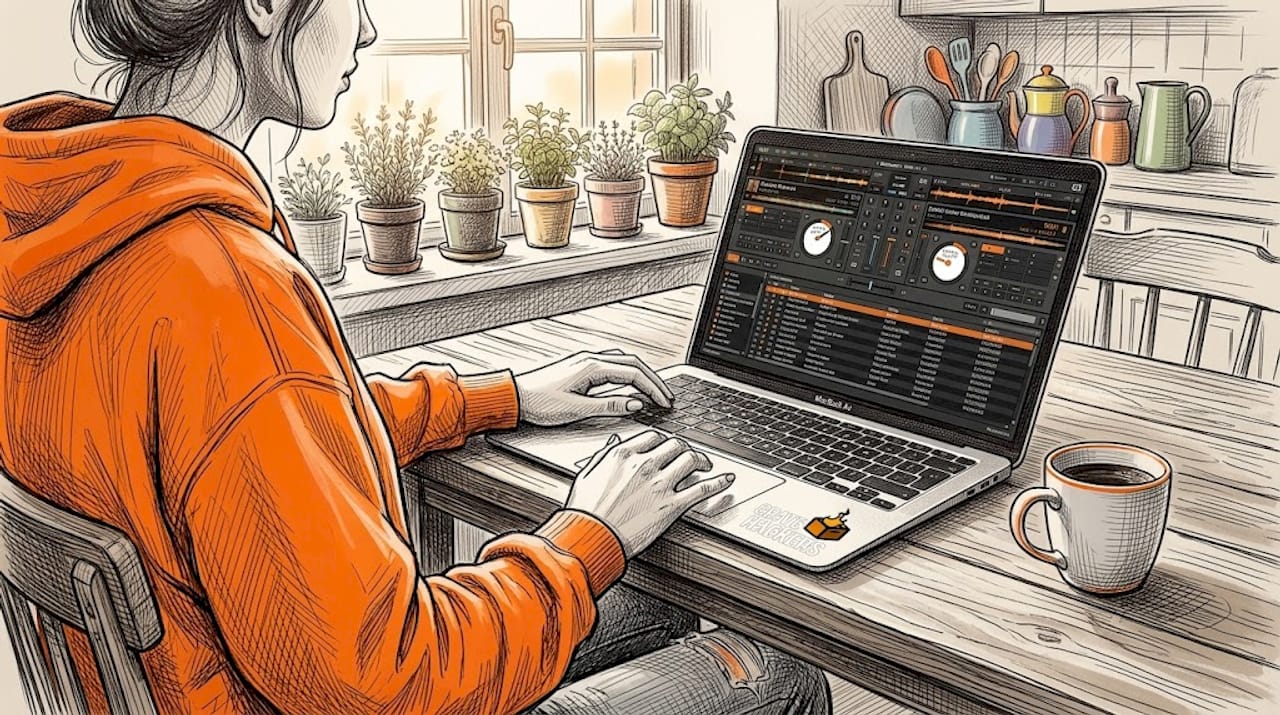
iTunes purchases are DRM-free, saved as AAC or MP3 files. They work without restrictions in every major DJ app. Serato, Rekordbox, Traktor, Virtual DJ. All of them. No licensing walls, no feature blocks. If you have a library of purchased tracks, this is your cleanest route to full compatibility.
The obvious downside is cost. Buying tracks individually adds up fast. But for your core performance catalog, it’s worth it.
Path two: Third-party conversion tools.
Some hobbyists use third-party converters to strip DRM from Apple Music streams, creating local files that work in any DJ software. These converters unlock advanced features like Neural Mix by giving you a standard audio file that any app can read.
The catch is significant. This approach may conflict with Apple’s terms of service and licensing agreements. Use it knowing that risk. It’s not illegal to own the music you paid for, but how you use converted files matters.
Here’s the honest tradeoff between both paths:
- Purchased files: more cost upfront, zero compatibility headaches, totally clean
- Converted files: more access to your full library, legal gray area, requires extra tooling
5. Comparison of major DJ software with Apple Music
Understanding where each platform stands saves you from wasted setup time.
| DJ Software | Apple Music Streaming | Local DRM-free Files | Neural Mix / Stems | Recording | Platform |
|---|---|---|---|---|---|
| djay Pro | Yes (official) | Yes | Limited via streaming, full via download | Download only | macOS, iOS, iPadOS |
| Serato DJ | No | Yes | No native stems | Yes | macOS, Windows |
| Rekordbox | No | Yes | No native stems | Yes | macOS, Windows |
| Virtual DJ | No | Yes | Limited via AI | Yes | macOS, Windows |
| Traktor Pro | No | Yes | No | Yes | macOS, Windows |
The pattern is clear. Most major DJ apps handle local DRM-free music without issues, but streaming from Apple Music is exclusive to djay Pro. If you’re on Windows, your only realistic Apple Music option is using purchased iTunes files or converted local files.
6. Situational recommendations based on your setup
Your best option depends on how you actually mix and what gear you’re working with. Here’s how to think about it:
- You mix casually on iPhone or iPad. djay Pro on iOS at $19.99/year is your best value. The streaming integration works well for discovery and quick set building. Download your key tracks before you play.
- You mix on a Mac and care about features. djay Pro on Mac unlocks the deepest Apple Music integration available. Pay the extra for the Mac version if you need screen real estate and full control.
- You use Serato, Rekordbox, or any other major software on Mac or Windows. Go the local file route. Buy key tracks through iTunes for full compatibility and zero friction in your current setup.
- You’re on Windows and want Apple Music playlists in your DJ software. You’ll need to organize your music locally and work from purchased files. Streaming integration is not available to you.
- You’re budget-conscious. The iOS djay Pro route is the cheapest entry to real Apple Music streaming for DJs. Pair it with a Bluetooth controller for a surprisingly capable practice setup.
Pro Tip: Don’t try to force one app to do everything. A lot of hobbyists keep djay Pro for discovery and playlist building from Apple Music, then export their final crate to Serato or Rekordbox using local files for the actual performance. That split workflow is smarter than it sounds.
7. My honest take on where all this is heading
I’ve watched DJ software try to catch up with streaming for years, and the Apple Music situation is a clear example of what happens when a streaming platform and a DJ ecosystem don’t fully align yet.
djay Pro has the official deal, and that’s genuinely useful. But the feature restrictions on streamed tracks tell you everything you need to know about how much creative freedom you’re trading for convenience. Streaming gives you a massive catalog. It takes away some of your sharpest tools.
What frustrates me most is the misleading marketing around “Apple Music compatibility.” I’ve seen hobbyists download apps expecting full streaming integration, only to realize the app just reads their purchased iTunes folder. That’s not the same thing, and the confusion costs people real time and money.
What gives me hope is that Apple is actively investing in DJ culture, not just as a catalog provider but as a platform. The DJ Mix program shows real intent. As that grows, I expect the licensing walls that block features like recording to loosen over time.
For now, my practical advice is this. Learn the file reading fundamentals before you rely on streaming. Check out DJ software file reading tips to make sure your workflow is solid regardless of which integration you use. Streaming is a convenience layer. Your library is your foundation.
— Dominick
Get your Apple Music library organized with Cratehackers
You’ve figured out which sync option fits your setup. Now the real work starts: keeping your library clean, tagged, and ready to perform.
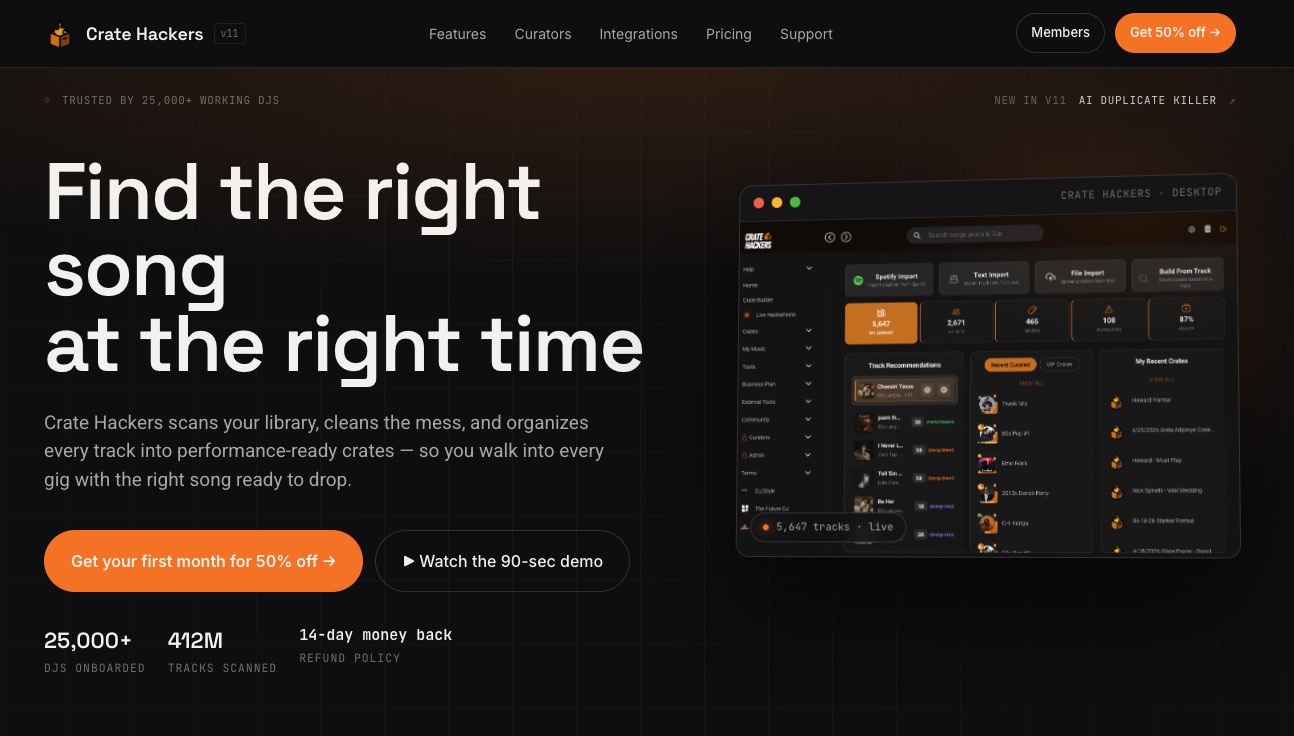
Cratehackers is built exactly for this. It matches your Apple Music playlists against your local collection, kills duplicates, and exports clean crates directly into Serato, Rekordbox, and Virtual DJ. No more hunting for the right file the night before a set. You build your crate once, fast, and it’s ready when you are. Whether you’re working from downloaded djay Pro tracks or a local iTunes library, Cratehackers turns playlist chaos into a performance-ready collection.
FAQ
Can I use Apple Music for DJing with any software?
You can only stream Apple Music directly in djay Pro, which has the only official DJ streaming integration as of 2026. Other DJ software like Serato and Rekordbox can only use DRM-free purchased iTunes files.
Why are Neural Mix and recording blocked on Apple Music streams?
These features are disabled for streamed tracks due to DRM licensing restrictions between Apple and Algoriddim. Downloading tracks locally within djay Pro unlocks both features.
What is the cheapest way to DJ with Apple Music?
The most affordable route is djay Pro on iOS at $19.99/year combined with a standard Apple Music subscription at $10.99/month. That’s under $150 per year total for a full streaming DJ setup.
Does Apple Music work with DJ software on Windows?
No streaming integration exists for Windows users. Apple Music streaming in DJ software requires Apple ecosystem devices. Windows users should work from purchased DRM-free iTunes files instead.
Are converted Apple Music files safe to use for DJing?
Technically they work in any DJ software, but converting Apple Music files may conflict with Apple’s terms of service. Stick to purchased iTunes files if you want a clean, risk-free workflow.