
TL;DR:
- Organizing free DJ music with energy-based tags and structured folders enhances performance and reduces chaos. Using dedicated tools like download managers, batch taggers, and smart playlists, DJs can automate and streamline library maintenance effectively. Regular processing, backups, and focused curation ensure a reliable and efficient collection for confident live performances.
You download a killer track, toss it in a folder called “New Music,” and never find it again. Sound familiar? For most DJs, organizing free DJ music downloads is the unglamorous work that separates great sets from chaotic ones. A messy library kills your flow before you even touch the decks. This guide gives you a clear, practical system for finding free music, structuring your files, tagging your metadata, and keeping everything tight so you can perform with confidence instead of panic.
Table of Contents
- Key takeaways
- Tools you need to organize free DJ music downloads
- Building your folder structure and naming system
- Managing downloads as they come in
- Keeping your library lean and current
- My take on how energy organization changes everything
- Take the chaos out of your library with Cratehackers
- FAQ
Key takeaways
| Point | Details |
|---|---|
| Tag on arrival | Label every download with BPM, key, and energy level the moment it hits your drive. |
| Energy beats genre | Organizing by energy level and crowd type outperforms genre folders for live performance. |
| Layer your system | Combine physical folder structures with virtual crates or smart playlists to avoid duplication. |
| Back up in two places | Keep a local master copy and a cloud backup to protect your library and your DJ database. |
| Curation over quantity | A tight, familiar collection of tracks performs better than a bloated library you barely know. |
Tools you need to organize free DJ music downloads
Before you touch a single folder, you need the right setup. The wrong tools waste your time. The right ones make organizing almost automatic.
Here is a quick breakdown of what you actually need:
| Tool type | Recommended options | What it does |
|---|---|---|
| Download manager | Free Download Manager (FDM) | Auto-sorts files by type and folder rules on arrival |
| Batch tagging | Zortam Mp3 Media Studio | Edits ID3 tags across large libraries fast |
| DJ software | Rekordbox, Serato, Virtual DJ | Creates crates, smart playlists, and cue points |
| Cloud backup | Google Drive, Dropbox, iCloud | Off-site redundancy for your master library |
| Local storage | External SSD or 7200 RPM HDD | Fast read speeds for gig-ready performance |
Free Download Manager supports scheduled downloads with automatic folder rules, meaning files go to the right place before you even open them. That alone eliminates the “dump everything in one folder” habit most DJs fall into.
On the tagging side, Zortam catalogs 50,000 files and handles ID3v1 and ID3v2.4 tags, which covers every modern DJ software format. If your library is already large and untagged, batch processing is the only realistic path forward.
For storage, always prioritize a dedicated external SSD for your active library. Keep your operating system drive clean. Your DJ software will thank you.
Pro Tip: Run batch tagging on every new download batch before importing into your DJ software. Fix your metadata first. Import second. Reversing that order creates a mess that takes hours to clean up.
Building your folder structure and naming system
This is where most DJs either win or lose the organization game. The system you build here determines whether you find a track in ten seconds or ten minutes at a gig.
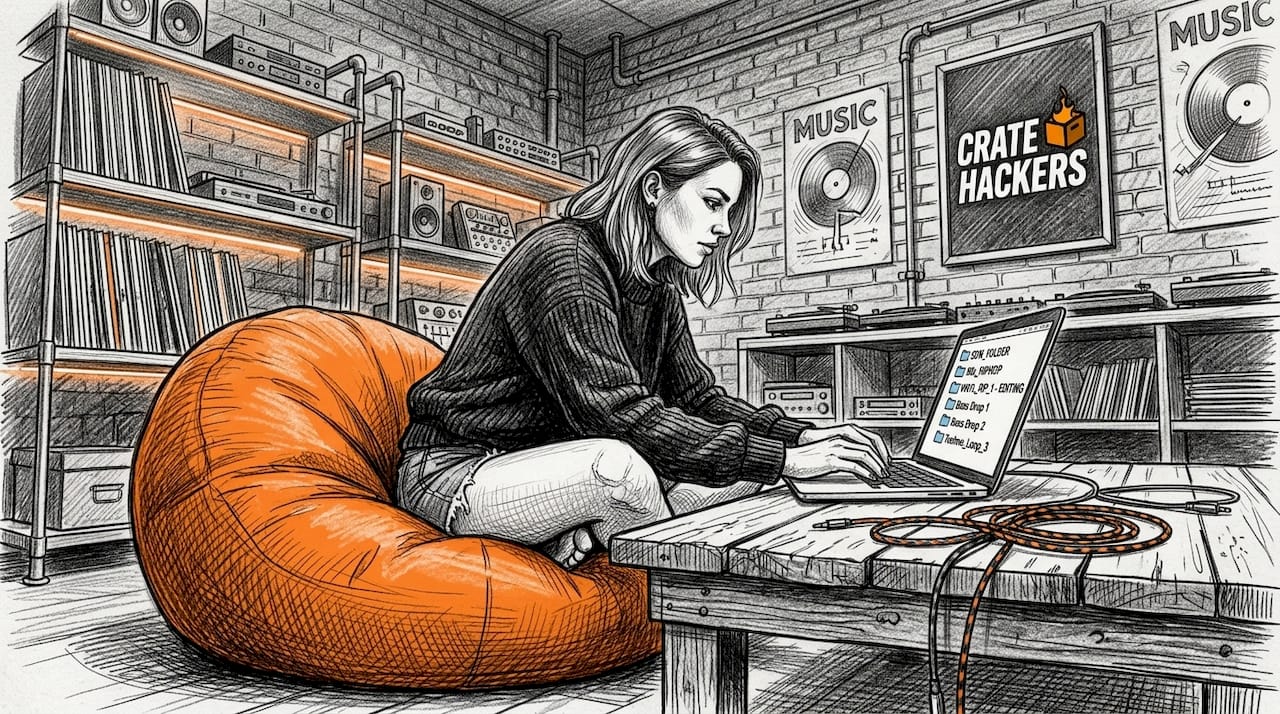
Start with a top-level folder structure
Do not go too deep. Three levels maximum. Here is a structure that works for both home collections and gig prep:
- Create a master folder called DJ Library on your dedicated drive.
- Inside it, create subfolders by broad category: Events, Genre, Energy, and Archive.
- Under Events, create folders for recurring gig types: Corporate, Wedding, Club Night, Private Party.
- Under Energy, use three buckets: Low (warm-up, background), Mid (building, crowd warming), High (peak, closing).
- Under Genre, keep it broad: Hip-Hop, House, R&B, Latin, Top 40. No more than eight genres.
- Place newly downloaded tracks in Inbox first. Process weekly.
The reason you want both Energy and Genre folders is that a single track often belongs in multiple contexts. Rather than duplicating files, you solve this at the crate level inside your DJ software.
Nail your file naming convention
Every file should tell you the critical info before you open it. Use this format:
ArtistName_TrackTitle_BPM_MusicalKey_Year
Example: Dua_Lipa_Levitating_103_Bm_2021.mp3
This looks rigid. It is. And that rigidity is exactly what makes it powerful. When you are scanning a folder at a gig or building a set at midnight, the file name is your first filter.
Energy and mood-based tagging enables quicker set flow adjustments than genre labels alone. Expert Jerry Frempong makes the case clearly: crowds respond to energy, not categories. Your folder structure should reflect that reality.
Pro Tip: Add a one-letter energy tag to the end of your file name. “H” for high energy, “M” for mid, “L” for low. It takes two seconds per file and saves you five minutes of second-guessing during a set.
Layered organization systems that combine folders with virtual crates avoid duplication and handle multi-genre sets more efficiently than folders alone. Build the folders for your hard drive. Build the crates for your performance. They serve different purposes.
Managing downloads as they come in
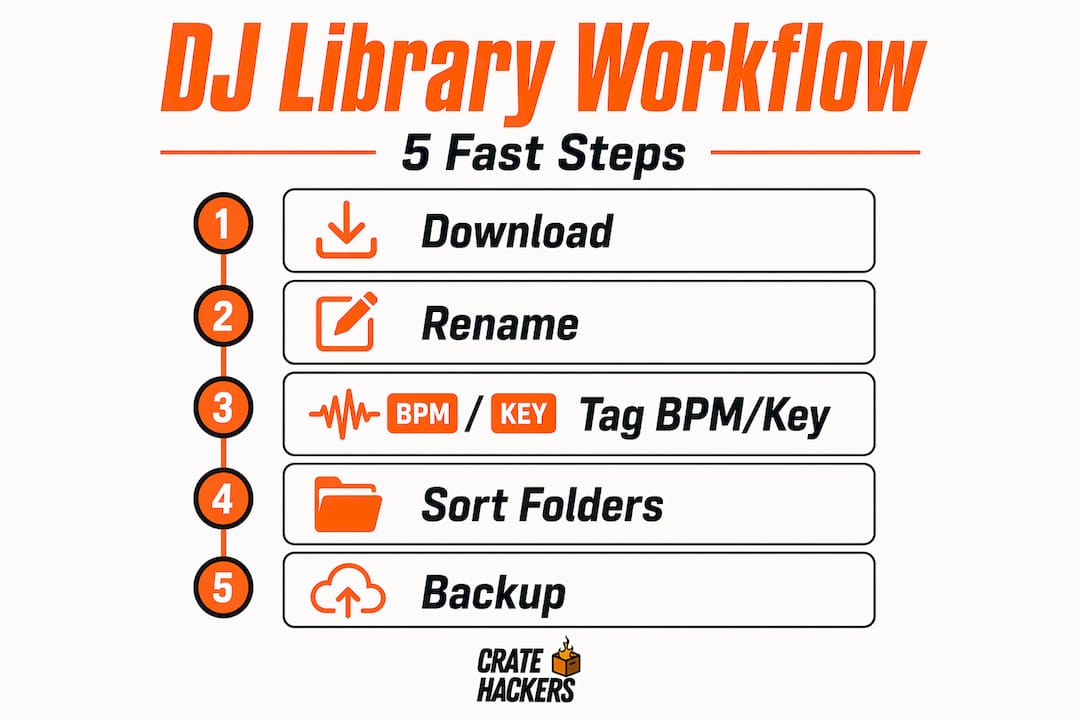
The hardest part of keeping your library clean is not fixing it once. It is maintaining it every week. That requires automating the intake process so new tracks do not pile up into chaos.
Here is how to set up an intake system that actually holds:
- Set a dedicated download folder called Inbox. Every free track you download lands here automatically. Nothing goes straight to the main library.
- Configure Free Download Manager with folder rules. Point all music downloads to your Inbox folder and set file type filters so only audio files land there.
- Run a weekly processing session. Once a week, batch tag everything in Inbox using Zortam or a similar tool. Then move files to their correct folders and import into your DJ software.
- Use smart playlists in Rekordbox or Serato. Set rules like “Date Added is within the last 30 days” or “BPM is between 120 and 130” to auto-populate crates without manual dragging.
- Prevent duplicate downloads. Before adding a track, run a quick search in your DJ software. Duplicates waste storage and create confusion during sets.
Cloud storage works well for backups and cross-device syncing, but you need a local master copy to maintain database integrity. If your cloud sync runs while Rekordbox has the library open, you risk corrupting your cue points and metadata. Turn off active sync during sessions.
One more thing: self-hosting your library avoids the rental trap that streaming creates. A track you downloaded is yours. A playlist you built on a streaming platform can vanish overnight if licensing changes. Owning your free DJ music collection is not just about preference. It is about protection.
Pro Tip: Use a color-coded rating system in your DJ software from day one. Red for tracks you play every gig, yellow for situational picks, gray for stuff you are testing. After three months, your red tracks are your core crates. Everything else is context.
Keeping your library lean and current
A library that never gets pruned becomes a library you stop trusting. That is how DJs end up scrolling for three minutes mid-set looking for something they know they have. Here is the maintenance routine that keeps your collection tight:
- Process every new addition before your next gig. Set cue points, check BPM accuracy, confirm the key, and assign your energy tag. Do this immediately, not later.
- Schedule a monthly library audit. Go through tracks you have not played in six months. Ask yourself: is this here because it is genuinely good, or because you were afraid to delete it?
- Back up on a schedule, not a feeling. Weekly backup to an external drive. Monthly backup to cloud storage. Never rely on just one location.
- Archive, do not delete. Move tracks you are unsure about to your Archive folder before deleting permanently. Wait 90 days. If you never looked for them, delete.
- Update metadata after every gig. If a track killed it, bump its rating. If it flopped, note that. Your library should reflect your actual experience on the floor, not just theoretical organization.
Phil Morse makes the point directly: curating key tracks over chasing every new release produces better DJ results. The DJs who know 300 tracks cold beat the ones who half-know 3,000 every single time.
When organizing a DJ library for private events, create event-specific crates in advance. A wedding set needs different energy curves than a corporate cocktail hour or a club warm-up. Build those crates before the gig, not during it.
My take on how energy organization changes everything
I have seen DJs with perfectly labeled genre folders freeze at the decks because they could not find the energy they needed in the moment. I have also seen DJs with rough, energy-based crates flow through a four-hour set without a single awkward transition.
Here is what I have learned: genre is for cataloging. Energy is for performing.
When you organize your music by energy level and event phase, you stop thinking like a librarian and start thinking like a performer. You know that your “Mid-Energy Buildout” crate has fifteen tracks that work at the 45-minute mark of a wedding reception. You do not have to think. You just reach.
The DJs who struggle with local library management are usually the ones who built their system around how music is described rather than how it is used. Fix that framing and everything else gets easier.
My advice for casual DJs organizing personal music collections: stop trying to build the perfect system before you start. Build a rough version today. Process fifty tracks with it. Fix what breaks. A functional imperfect system is infinitely better than a theoretical perfect one collecting dust.
— Dominick
Take the chaos out of your library with Cratehackers
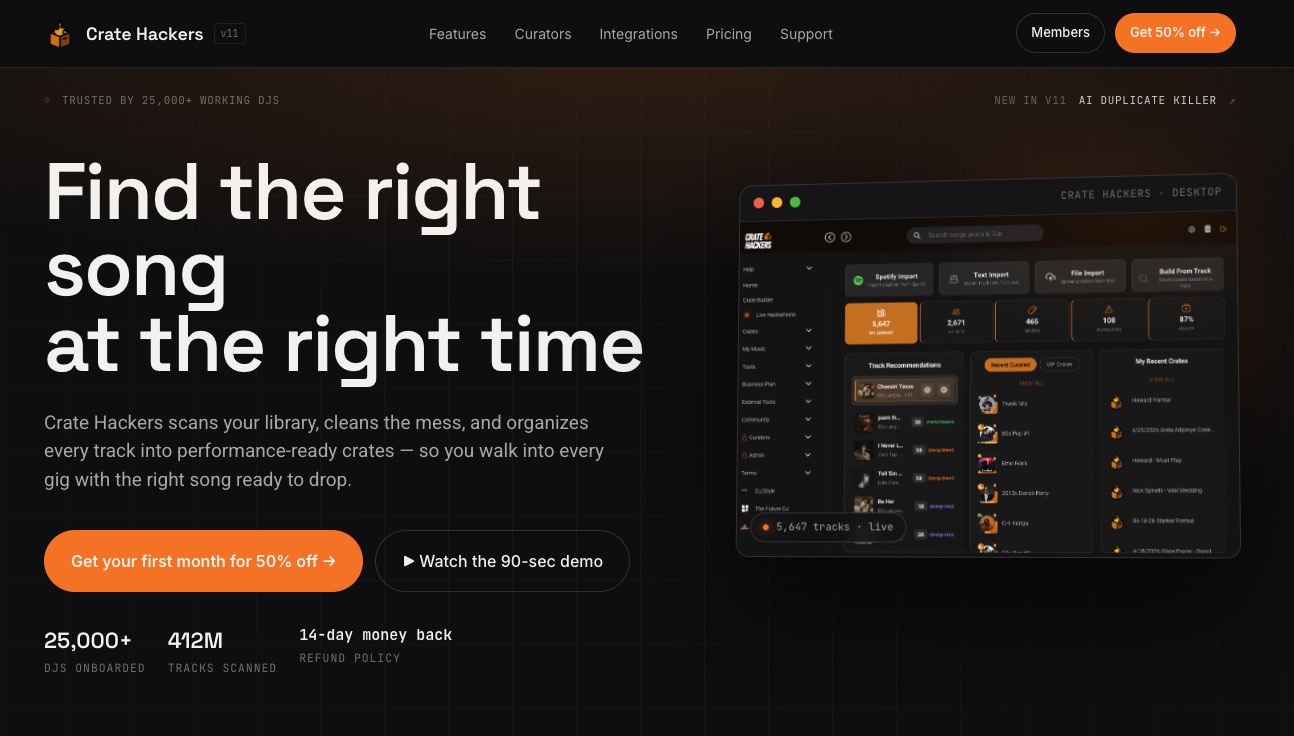
If this process feels like a lot to manage manually, that is because it is. Cratehackers is built specifically for this problem. The platform scans your existing collection, kills duplicates automatically, and builds performance-ready crates you can export directly to Serato, Rekordbox, or Virtual DJ. It also matches your library against Spotify and Apple Music playlists so you can spot gaps fast. Whether you are managing a free DJ music collection of 500 tracks or 50,000, Cratehackers gives you the tools to get organized and stay that way without spending hours doing it manually.
FAQ
What is the best way to organize free DJ music downloads?
Use a three-level folder structure combined with energy-based tagging and virtual crates inside your DJ software. Process every new download through an Inbox folder before it enters your main library.
How do casual DJs organize personal music collections?
Most casual DJs benefit from a simple energy-level folder system paired with a naming convention that includes BPM and key. Processing tracks in weekly batches keeps the system manageable without overwhelming maintenance.
Should I organize my DJ library by genre or energy?
Energy-based organization outperforms genre sorting for live performance because crowds respond to energy, not categories. Use genre as a secondary tag, not the primary folder structure.
How do I avoid duplicates when downloading free DJ tracks?
Search your DJ software before adding any new download, and configure your download manager to route all files to a single Inbox folder. Tools like Cratehackers also run automated duplicate detection across large libraries.
Is cloud storage safe for a DJ music library?
Cloud storage is excellent for backup and redundancy, but avoid active syncing while your DJ software is open. Always keep a local master copy on a dedicated external drive to protect your cue points and metadata.