
TL;DR:
- A beginner DJ music workflow involves organized library management, deliberate practice, and effective software use to build confidence. Properly tagging tracks by genre, BPM, key, and energy enables quick, harmonic, and crowd-appropriate selections during live sets. Recording practices and building event-specific playlists streamline preparation, while consistent backups protect against data loss, facilitating smooth performances.
A beginner DJ music workflow is a structured system for organizing your music library, preparing sets, and practicing performance techniques so you can mix confidently without panic-scrolling through thousands of tracks mid-gig. Most new DJs skip the system and go straight to the decks. That’s the mistake. Software like Rekordbox, Serato, and Virtual DJ gives you powerful tools, but those tools only work when your library is clean and your practice is intentional. Get the workflow right first, and everything else gets easier.
What is beginner DJ music workflow and why does it start with organization?
Your music library is the foundation of your entire workflow. If it’s a mess, your sets will be a mess. Period.
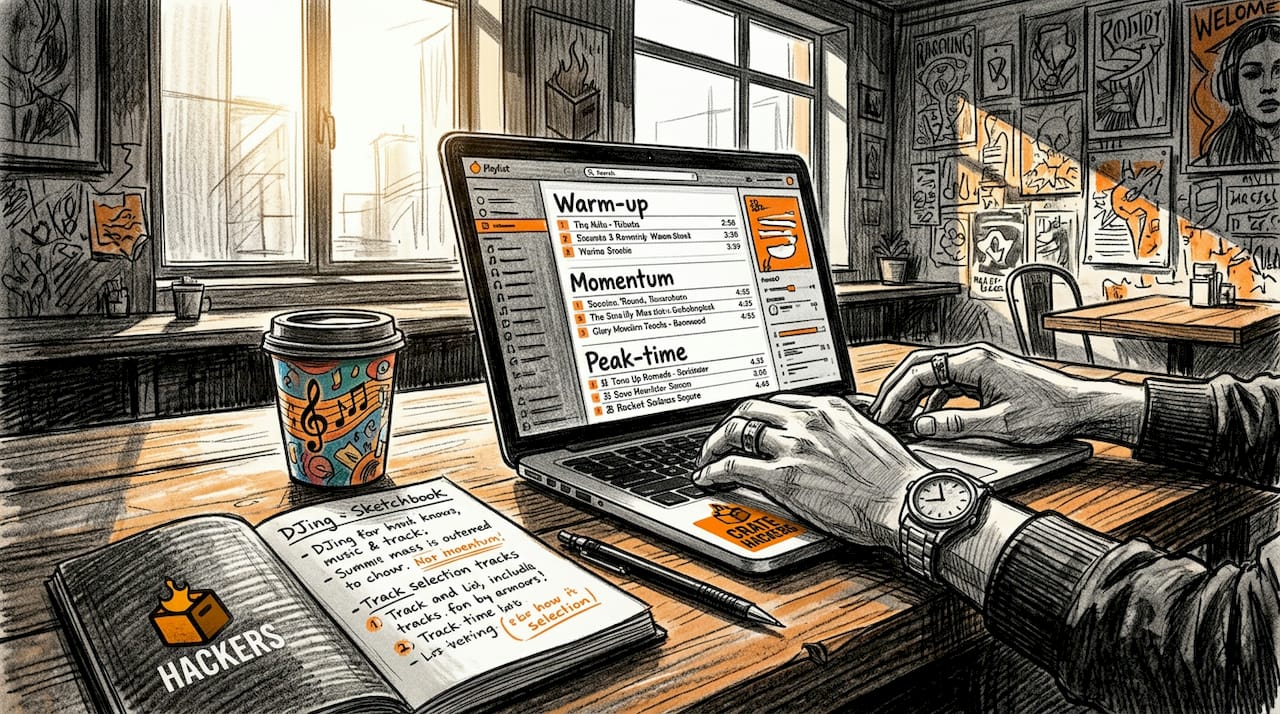
The goal is to treat your library like a search engine, not a filing cabinet. Multi-axis tagging with genre, BPM, key, and energy level means you can pull the right track in seconds instead of scrolling for minutes. BPM tells you how fast a track is. Key (using Camelot notation, a number-letter system like 8A or 9B) tells you which tracks mix harmonically without clashing. Energy tells you whether a track belongs in a warm-up slot or a peak-time moment.
Here’s what a solid tagging system looks like in practice:
- Genre: House, Hip-Hop, R&B, Latin, Top 40
- BPM: Auto-analyzed by your DJ software (Rekordbox and Serato both do this on import)
- Key: Camelot notation, also auto-analyzed
- Energy level: 1 to 5 scale, assigned manually based on your judgment
- Mood or vibe: Optional but useful for weddings or corporate events
Efficient library organization reduces cognitive load during a live set, freeing your brain to read the crowd and plan transitions instead of hunting for tracks. That’s the real payoff.
Pro Tip: When you import new music, tag it immediately before it goes into your main library. Untagged tracks are dead weight.
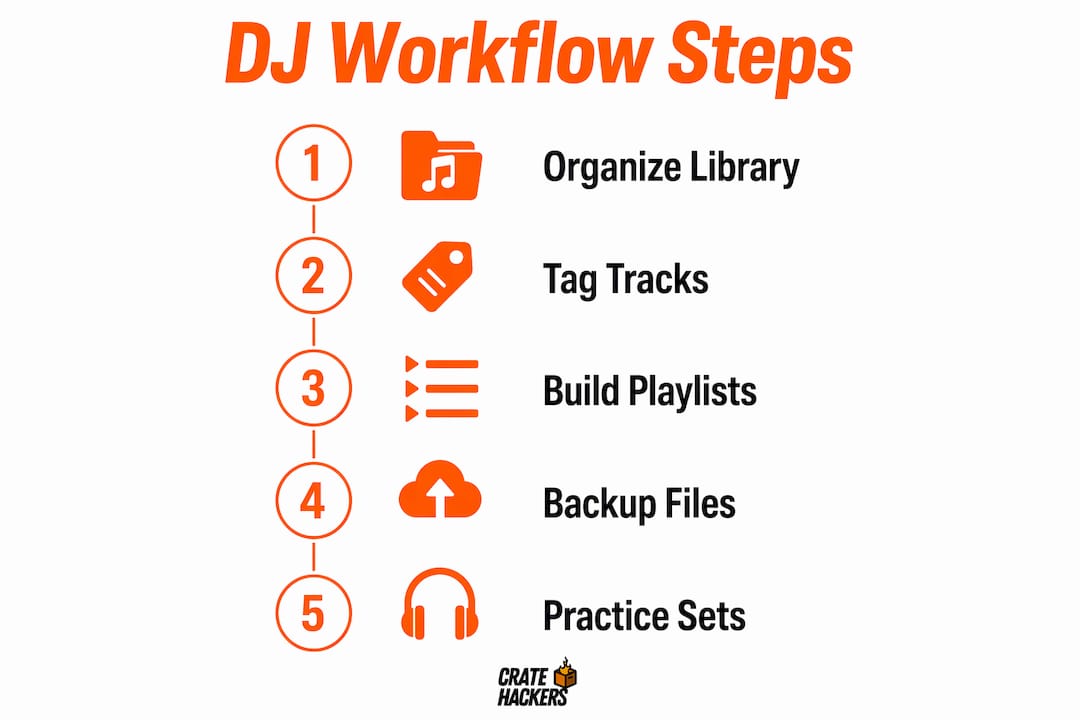
Building playlists by energy tier
Playlists organized by energy tier are one of the most underrated tools in a beginner’s kit. Energy tiers like warm-up, mid-energy, and peak-time map directly to how a real event flows, from the first guests arriving to the dance floor hitting full capacity.
Build three core playlists to start: one for low-energy openers, one for mid-set momentum builders, and one for peak-time bangers. When you get a gig, you’re not building a set from scratch. You’re pulling from pre-sorted lanes.
Protecting your library with backups
Losing your library before a gig is a nightmare scenario. The 3-2-1 backup rule means keeping three copies of your library on two different media types, with one copy stored off-site or in the cloud. Weekly backups are the professional standard. Before a major gig, run an extra backup. No exceptions.
| Organization task | Why it matters |
|---|---|
| BPM and key tagging | Enables harmonic mixing and fast track matching |
| Energy tier playlists | Speeds up event-specific set building |
| Duplicate removal | Keeps your library clean and navigation fast |
| 3-2-1 backup routine | Prevents catastrophic data loss before gigs |
| Quarantine folder for new music | Stops unvetted tracks from cluttering your main library |
How should beginner DJs build a practice and set preparation routine?
Organizing your library gets you ready to practice. But practice itself needs structure too.
The single most effective habit you can build is recording every practice session. Recording your sets and listening back away from the decks gives you honest feedback that you simply cannot get while you’re in the mix. When you’re playing, your brain is focused on the next move. When you listen back, you hear what the crowd actually heard.
Here’s a repeatable practice routine that works:
- Set a goal for the session. Pick one skill to focus on: beatmatching, transitions, track selection, or effects use. Don’t try to fix everything at once.
- Record the full session. Use your DJ software’s built-in recorder, or route your audio output to an app like GarageBand or Audacity.
- Play it back the next day. Distance from the session gives you a clearer ear.
- Evaluate four things: timing accuracy, transition smoothness, track selection logic, and energy arc across the set.
- Take notes. Write down two things you did well and two things to fix next session.
- Adjust your playlist order. If a transition felt clunky, swap the track or change the cue point.
Note that recording with streaming services like Spotify or Tidal inside your DJ software can trigger licensing restrictions. The cleanest workaround is routing your hardware output to a separate recording device or using the Pioneer DJ REC app for hardware setups.
Pro Tip: Listen to your recorded set on headphones while doing something else, like washing dishes or commuting. Your brain processes the music differently when it’s not your primary focus, and you’ll catch mistakes you’d miss sitting at the decks.
Recording is a feedback loop. Over time, it sharpens not just your technique but your ear and your confidence. That compound effect is what separates DJs who plateau from DJs who keep improving.
How can beginner DJs use software tools to speed up their workflow?
Modern DJ software does a lot of the heavy lifting for you. The key is knowing which features to use and which ones to lean on too hard.
Here’s what software handles well for beginners:
- Auto BPM and key detection: Rekordbox, Serato, and Virtual DJ all analyze these on import. Run this once per track and never manually calculate BPM again.
- Automix and transition suggestions: AI-assisted tools like DJ.Studio propose track orders and flag transition compatibility, giving beginners a starting point for set structure.
- Timeline editors: These let you zoom into a transition and tighten the mix point without replaying the whole set.
- Stem separation: Some software separates a track into vocals, drums, and melody, letting you layer elements creatively. This is advanced, but worth exploring once your basics are solid.
The comparison below shows where software assistance helps most versus where you need to develop your own judgment:
| Workflow task | Software handles it | You need to decide |
|---|---|---|
| BPM detection | Yes, automatically on import | Whether the detected BPM is accurate |
| Key detection | Yes, Camelot notation assigned | Whether the harmonic mix sounds right |
| Track order suggestions | Partially, via AI tools | Final set order based on crowd energy |
| Transition timing | Timeline editor helps | When to drop the next track |
| Track selection | Record pool browsing | Which tracks fit your style and audience |
The trap beginners fall into is letting the software make every decision. AI-assisted workflow tools are a starting point, not a replacement for your judgment. Use them to reduce grunt work, then override them when your instincts say something different. That balance is where your personal style develops.
Understanding how DJ software reads music files also matters more than most beginners realize. File format, bit rate, and metadata structure all affect how reliably your software analyzes and plays tracks.
What beginner DJ setup tips help you get gig-ready faster?
Getting from home practice to your first live performance is a specific transition. It requires more than just playing well at home.
Here’s what actually moves the needle:
- Quarantine new music before integrating it. Staging new tracks in a separate folder before adding them to your main library keeps your core collection clean. Listen to each track, tag it properly, then move it in.
- Build event-specific playlists in advance. For a wedding, pull from your energy tiers and build a ceremony playlist, cocktail hour playlist, and reception playlist separately. For a club night, build by genre and peak-time arc.
- Attend a beginner DJ workshop. A structured 4-hour workshop covers foundational mixing techniques, controller-specific training, and often includes networking with local DJs. That networking component is underrated for getting your first bookings.
- Practice your full set at least three times before the gig. Not just individual transitions. The full set, start to finish, recorded each time.
- Know your gear cold. Whether you’re using a Pioneer DJ DDJ-400, a Numark Mixtrack, or a laptop-only setup, you need to operate it without looking at the controls.
- Have a backup plan. Bring a USB with your full library exported from Rekordbox or Serato. If your laptop fails, you can plug into the venue’s CDJs and keep playing.
For organizing your music on Windows PC, folder structure and file naming conventions matter before you even open your DJ software. A clean file system makes library imports faster and reduces errors.
The DJ workflow basics that separate prepared beginners from panicked ones come down to one thing: building repeatable systems before you need them under pressure.
Key takeaways
A solid beginner DJ music workflow combines structured library organization, consistent practice recording, and smart use of software tools to build real performance confidence.
| Point | Details |
|---|---|
| Tag music on four axes | Use genre, BPM, Camelot key, and energy level for fast track recall during live sets. |
| Record every practice session | Listening back away from the decks reveals timing and transition mistakes you miss in the moment. |
| Use software for grunt work | Let Rekordbox or Serato handle BPM and key detection; keep creative decisions for yourself. |
| Quarantine new music first | Stage new tracks in a separate folder before integrating to keep your main library clean. |
| Build event-specific playlists | Pull from pre-sorted energy tiers to assemble gig-ready sets in minutes, not hours. |
Why most beginners get the workflow backwards
I’ve watched a lot of new DJs make the same mistake: they spend hours learning transitions and effects before their library is even organized. Then they wonder why their sets feel scattered. The truth is, your library is your instrument. If it’s tuned badly, no amount of technique fixes the sound.
The search engine mindset is the shift that changes everything. Stop thinking of your library as folders you browse and start thinking of it as a database you query. When you tag properly, you’re not organizing for today. You’re building a system that pays you back every single time you prep a gig.
I’d also push back on the idea that recording practice sets is optional. It’s not. It’s the fastest feedback loop available to a beginner, and most people skip it because listening to yourself is uncomfortable. That discomfort is exactly the point. The DJs who improve fastest are the ones who can hear their own mistakes without ego getting in the way.
Start small. Tag 50 tracks properly. Record one session. Listen back. Fix two things. Repeat. The workflow compounds over time, and six months in, you’ll prep a gig in an hour that used to take you a whole weekend.
— Dominick
How Cratehackers helps you build this workflow faster
Building a clean, organized library from scratch takes time. Cratehackers cuts that time down significantly.
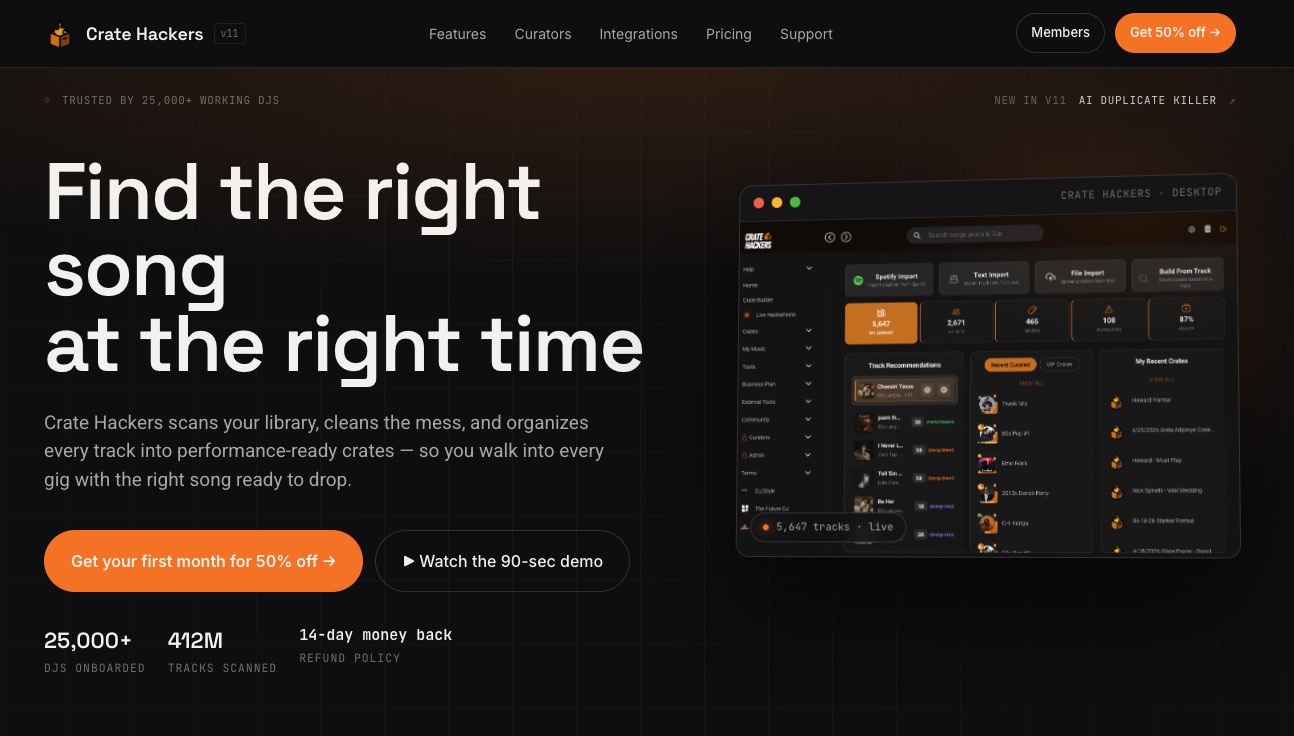
The Cratehackers platform scans your entire music collection, detects duplicates, and builds organized crates automatically, compatible with Serato, Rekordbox, and Virtual DJ. You get AI-powered tools like Duplicate Killer to clean clutter fast, plus curator drops from professional DJs so you’re always adding quality tracks to your library. Whether you’re managing a local collection or matching tracks from Spotify, Apple Music, or Tidal, Cratehackers handles the organization so you can focus on the music. If you want to find the right song every time without the scroll, this is where you start.
FAQ
What is a DJ music workflow for beginners?
A beginner DJ music workflow is a structured system covering music library organization, set preparation, and practice routines that allows new DJs to mix confidently and efficiently. It typically includes tagging tracks by BPM, key, and energy, recording practice sessions, and using DJ software like Rekordbox or Serato to analyze and organize music.
How should I organize my DJ music library as a beginner?
Tag every track with at least four attributes: genre, BPM, Camelot key, and energy level. Layered tagging lets you pull the right track in seconds during a live set, which is far faster than browsing folders.
What DJ software is best for beginners?
Rekordbox, Serato, and Virtual DJ are the most widely used beginner DJ software options, each offering auto BPM and key detection on import. AI-assisted platforms like DJ.Studio also offer track order suggestions and transition editing tools that help beginners structure sets faster.
How often should beginner DJs practice before their first gig?
Practice your full set at least three times before any live performance, recording each session and listening back critically. A beginner DJ workshop covering foundational skills and controller training is also worth attending before your first booking.
How do I back up my DJ music library?
Follow the 3-2-1 rule: three copies of your library, on two different media types, with one stored off-site or in cloud storage. Run weekly backups as a standard habit, and always back up the night before a gig.