
TL;DR:
- DJ booth software compatibility depends on proper OS support, drivers, firmware, and hardware certification to ensure reliable communication with your gear. Matching firmware, certification, and software versions is essential before a performance, as broad device recognition often lacks deep integration. Building your setup around one ecosystem and verifying every layer ensures confidence and reduces technical issues during gigs.
You show up to a gig, plug in your controller, and nothing works the way it should. The software doesn’t recognize your mixer. A key feature is greyed out. You’re scrambling at the booth instead of reading the room. Understanding what is DJ booth software compatibility, and how to evaluate it before you ever leave home, is what separates a smooth set from a stressful one. This guide breaks down how compatibility actually works, which platforms do it best, and how to verify your setup before it matters.
Table of Contents
- Key takeaways
- What DJ booth software compatibility actually means
- How popular DJ software platforms compare
- How to verify your setup before it fails
- Advanced compatibility: DVS, exports, lighting, and more
- My take on navigating compatibility choices
- Get your library gig-ready with Cratehackers
- FAQ
Key takeaways
| Point | Details |
|---|---|
| Compatibility goes deeper than “it connects” | Drivers, firmware, OS version, and certification tiers all affect whether software and hardware truly work together. |
| Ecosystem fit beats universal flexibility | Matching software to your specific hardware, like Rekordbox with Pioneer gear, delivers more reliable gigs than chasing broad compatibility. |
| Certification tiers change what you can do | A controller listed as “compatible” may only unlock full features with a paid software tier, not the free or lite version. |
| Verify before the gig, not during it | Check official hardware support lists and driver requirements before installing new software or buying new gear. |
| Preparation and performance tools are separate | Tools like DJ.Studio handle mix prep and export; live software handles the booth. Understanding both roles prevents setup confusion. |
What DJ booth software compatibility actually means
At its core, DJ booth software compatibility is the ability of your software to reliably communicate with and control your DJ hardware. That sounds simple. It isn’t.
True compatibility happens at multiple layers simultaneously:
- Operating system: Your software must support your OS version. A macOS update or Windows build change can break a perfectly working setup overnight.
- Drivers and firmware: Drivers translate between your hardware and your OS. Firmware is the internal software running on your controller or mixer. Both need to match what your DJ software expects.
- Hardware certification: Manufacturers publish official support lists. A device appearing on that list means the developer has tested and verified that specific hardware. Appearing off that list is a red flag.
- Software version: Running an older version of your DJ software can mean missing critical patches that make newer hardware work correctly. Always check minimum version requirements.
There’s also a meaningful difference between broad compatibility and deep ecosystem integration. Broad compatibility means the software recognizes your device and gives you basic control. Deep integration means every button, pad, screen, and jog wheel maps exactly as the manufacturer intended, with no workarounds. Verifying hardware support and OS requirements before choosing software reduces performance issues significantly. One approach gets you connected. The other gets you confident.
Pro Tip: Before buying any controller or mixer, search the exact model name plus your software of choice in the manufacturer’s compatibility database. Don’t assume. Confirm.
How popular DJ software platforms compare
Not all DJ software is built with the same compatibility philosophy. Knowing the differences saves you from buying into the wrong ecosystem.
Here’s how the major platforms stack up:
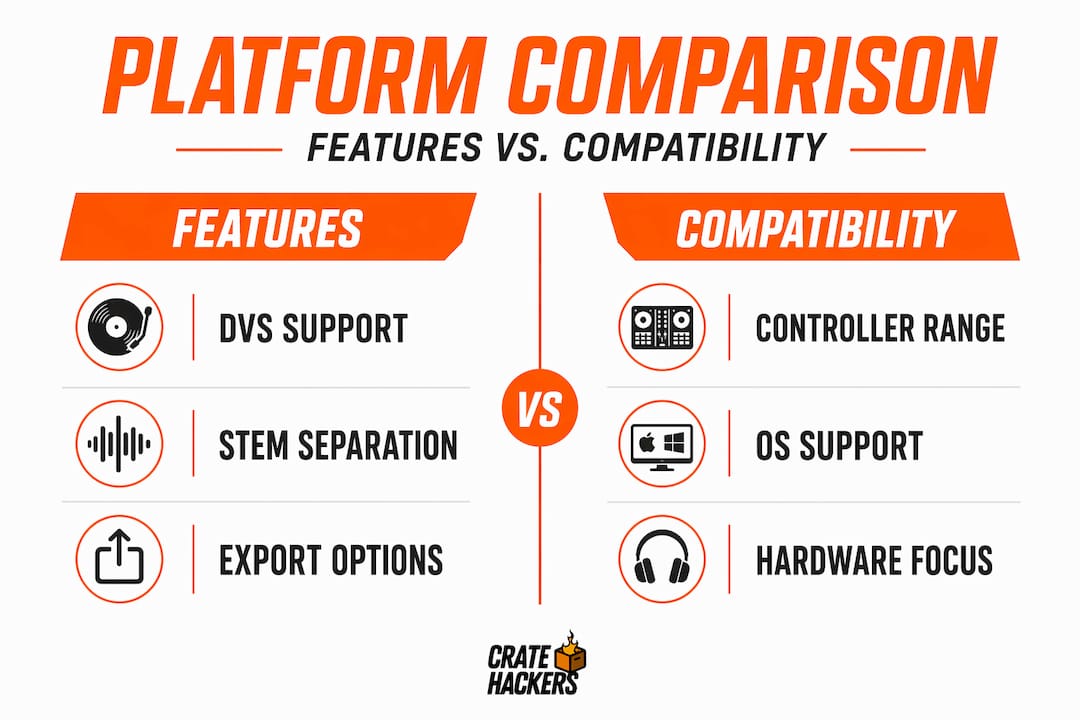
| Platform | Hardware focus | OS support | DVS support | Stem separation | Licensing model |
|---|---|---|---|---|---|
| Rekordbox | Pioneer/AlphaTheta | macOS, Windows | Yes (Performance plan) | Yes | Subscription tiers |
| Serato DJ Pro | Multi-brand certified | macOS, Windows | Yes (certified hardware) | Yes | Hardware bundle / paid |
| VirtualDJ | 300+ controllers | macOS, Windows | Yes | Yes | Free / paid tiers |
| Engine DJ 5.0 | Denon standalone | Standalone hardware | Limited | Yes (on hardware) | Free |
| djay Pro | Mixed, Algoriddim | macOS, iOS, Windows | Limited | Yes | Subscription |
A few things to unpack from that table.
VirtualDJ supports over 300 controllers, which makes it the most flexible option on paper. But flexibility has a cost. You get broader device recognition at the expense of the deep, frame-perfect integration you find in ecosystem-specific software. For a mobile DJ running different gear every weekend, that trade-off works. For a touring DJ playing the same booth setup consistently, it’s often more friction than it’s worth.
Rekordbox is built around the Pioneer DJ and AlphaTheta ecosystem. If your booth runs CDJs and a Pioneer mixer, Rekordbox is the obvious match. Matching software to booth hardware like Rekordbox for Pioneer gear is the standard recommendation for reliable performance. Every feature maps cleanly. Cloud Library Sync and CloudDirectPlay across devices make multi-machine setups much less painful.
Serato DJ Pro has some of the tightest hardware partnerships in the industry, but you need to pay close attention to certification tiers. Serato maintains separate hardware lists for DJ Pro and DJ Lite. A controller that works on Lite may not unlock the full feature set on Pro, or vice versa. Many DJs get burned by this exact assumption.
Engine DJ 5.0 is worth a mention here because it changed the game for Denon users. Engine DJ 5.0 introduced built-in stem rendering directly on standalone hardware in May 2026, meaning you don’t need a laptop at the booth to run stems on Denon gear. That’s a significant compatibility advantage for DJs who prefer hardware-only setups.
Pro Tip: If you play at clubs regularly, ask the venue what’s installed in their booth before your first gig there. Building your workflow around what’s already in the room removes an entire category of compatibility problems.
How to verify your setup before it fails
This is the part most DJs skip until something breaks. Don’t skip it.
- Find the official hardware compatibility list. Every major software platform publishes one. Search “[software name] + compatible hardware” on the developer’s official site. If your device isn’t listed, do not assume it will work.
- Check OS and driver requirements. Software developers list minimum and recommended OS versions. If you’re running macOS Ventura and the software was last tested on Monterey, that gap matters. Download and install the latest driver from the hardware manufacturer’s site, not a third-party source.
- Match your software version to your hardware certification. Older software versions sometimes drop support for newer hardware. Newer software versions sometimes break older gear. Check the release notes before updating mid-season.
- Set up software preferences for hardware recognition. When you launch your DJ software for the first time with new hardware connected, go into preferences and manually select your device as the audio output and MIDI input. Do not let it auto-detect and assume it picked the right option.
- Test every function before the gig. Load a track, trigger cue points, test the effects chain, test EQ kills, and verify that your jog wheels respond correctly. A controller not working with Serato or any other platform often comes down to a driver issue or a preference setting, not a hardware failure.
Pro Tip: Keep a notes file on your phone with the exact driver version and software version your setup runs on. When something breaks, you can quickly spot whether a recent update caused it.
Advanced compatibility: DVS, exports, lighting, and more
Once you move past basic controller setups, compatibility gets more layered. Here’s where many experienced DJs still get caught off guard.
DVS systems need certified hardware, not just supported software
DVS lets you control digital tracks with vinyl or CDs through timecode. The compatibility requirement here is stricter than most DJs realize. DVS setups require mixers or audio interfaces with certified inputs and specific preamps. Generic MIDI mappings or uncertified interfaces cause unreliable pitch and scratch tracking. Software support alone is not enough. The hardware has to be certified together with the software.
Export workflows for club booths
If you’re playing a club that runs Pioneer CDJs, you’re almost certainly preparing your tracks in Rekordbox and exporting to a USB drive. That export workflow is its own compatibility layer. Your cue points, beatgrids, loops, and hot cues all need to be formatted correctly for the specific CDJ model on that booth. Preparing tracks in software that doesn’t export properly to the venue’s hardware wipes out hours of prep work.
Combining preparation tools and live software
DJ.Studio functions as a preparation tool for mix timeline editing and export, not a live performance platform. It exports into live software like Serato, Rekordbox, or VirtualDJ. That’s a healthy workflow when the roles are clearly defined. Problems happen when DJs try to use preparation tools at the booth or live tools for deep editing work. Know what each piece of software is designed to do.
Lighting and visual sync
This is an area that’s growing fast. DjMirror Pulse offers automated DMX lighting and visuals synced to BPM and song structure, compatible with Windows 10/11 and macOS Apple Silicon. It’s used by over 900 DJs across 16 countries as of early 2026. If you’re integrating lighting control into your DJ booth configuration, you’re adding another software layer with its own OS and hardware requirements. Every tool you add to the chain needs to be verified, not assumed.
Here’s a quick reference for advanced compatibility considerations:
| Advanced feature | Key compatibility requirement |
|---|---|
| DVS scratch control | Certified mixer or audio interface with correct preamps |
| Club USB export | Software and CDJ model version alignment |
| Lighting sync | Dedicated software with verified OS and DMX interface support |
| Multi-software prep | Defined export format from prep tool to live platform |
| Cloud library sync | Active plan tier and internet access at the venue |
My take on navigating compatibility choices
I’ve watched DJs at every experience level walk into booth situations they weren’t ready for. The pattern is almost always the same: someone chose software based on features, not on fit with their actual hardware and workflow.
Here’s what I’ve come to believe after years of seeing this play out. Ecosystem lock-in gets a bad reputation, but for live performance it’s a feature, not a trap. When your software and hardware are designed for each other, you stop thinking about the tools and start thinking about the music. That’s the goal.
The DJs who chase universal compatibility often end up with setups that kind of work everywhere but work perfectly nowhere. A controller that maps 80% correctly in your “universal” software is a liability at a high-stakes gig. You’ll hit a button expecting one thing and get another.
My advice is to build your live rig around one ecosystem, get it dialed in completely, and only add complexity when a specific job requires it. Use dedicated prep tools for organization and export. Use purpose-built live software for the booth. Keep the chain short and verified at every layer. That’s not limiting. That’s control.
— Dominick
Get your library gig-ready with Cratehackers
Compatible software and hardware is half the equation. The other half is having the right music, organized and ready to find.
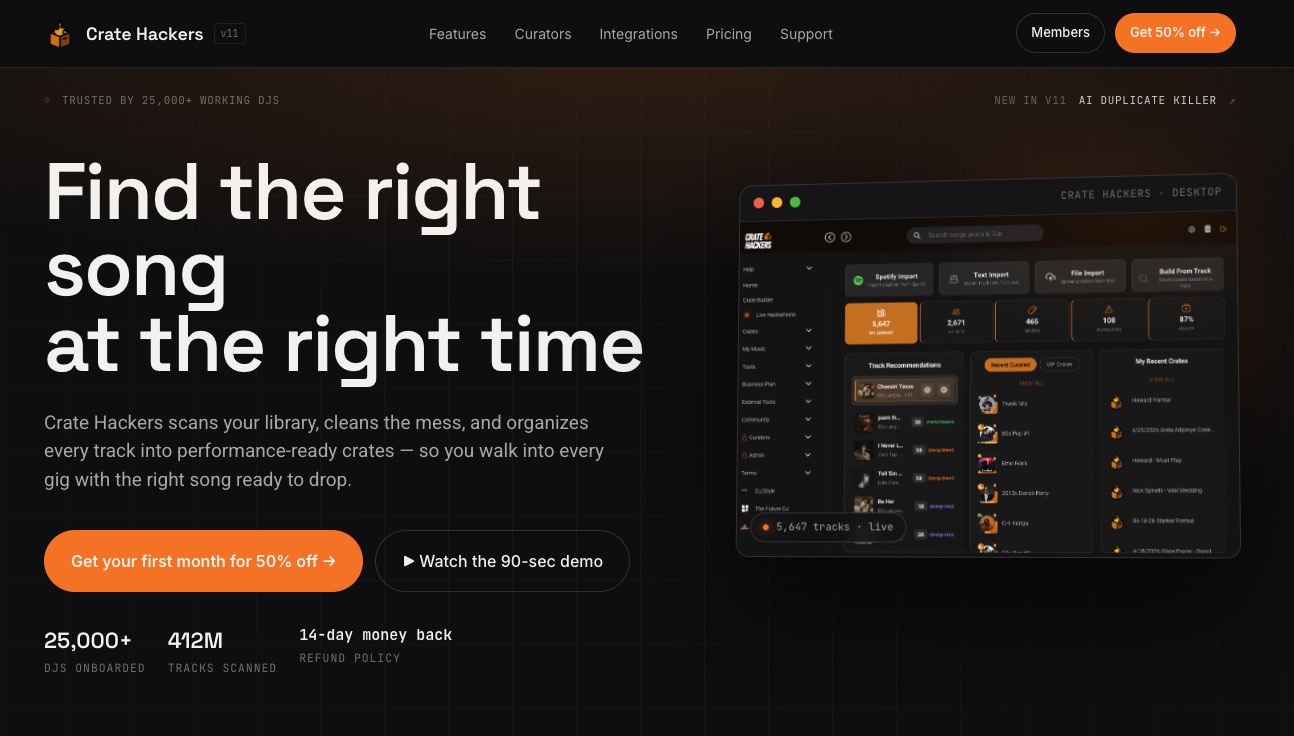
Cratehackers is built specifically for working DJs who need their library performing as well as their gear. The platform scans and cleans your collection, kills duplicates, and exports curated crates directly to Rekordbox, Serato, and VirtualDJ. No manual dragging. No searching through 40,000 tracks mid-set. You can also match your library against Spotify and Apple Music playlists to find what you’re missing before the gig, not during it. If you’ve done the work to get your booth setup dialed in, let Cratehackers do the same for your music file management so your whole workflow runs clean.
FAQ
What is DJ booth software compatibility?
DJ booth software compatibility refers to how reliably your DJ software communicates with and controls your specific hardware, including controllers, mixers, and audio interfaces, at the OS, driver, firmware, and certification level.
Does “compatible” always mean full functionality?
No. Controllers listed as compatible may only support limited features depending on your software tier. Always check whether your device is certified for the full version, not just the lite or free version.
What is the best DJ booth software for Pioneer gear?
Rekordbox is the standard choice for Pioneer and AlphaTheta booth hardware. It offers the deepest integration with CDJs and Pioneer mixers, including cloud library sync and full DVS support on higher plan tiers.
Do I need special hardware for DVS setups?
Yes. DVS setups require a mixer or audio interface specifically certified for your DJ software. Software support alone is insufficient for reliable scratch and pitch performance. The hardware must be certified together with the software.
Can I use multiple DJ software programs together?
Yes, but each tool should have a defined role. Use preparation software for editing, organizing, and exporting, then use your live platform at the booth. Successful integration depends on each tool playing a specific role with minimal overlap or redundancy.