
You hit play and the crowd moves. Simple, right? Not even close. What actually happens the moment you drop a track into your DJ software is a layered chain of analysis, decoding, and data storage that most DJs never think about until something breaks.
High precision beatgrid analysis can take 90 to 250% longer than standard modes, and that’s just one step in a process that determines whether your set runs smooth or falls apart mid-mix.
Table of Contents
- The breakdown: What happens when a DJ software imports a track?
- Decoding and metadata: How DJ software reads, writes, and stores information
- Edge cases and pitfalls: Variable bitrates, BPM quirks, and fake lossless
- Playback and manipulation: From data to deck performance
- What most DJs miss about file handling: Why “good enough” is often not enough
- Take your library and prep to the next level with Crate Hackers
- Frequently asked questions
Key Takeaways
| Point | Details |
|---|---|
| Thorough analysis matters | Accurate BPM, key, and waveform analysis up front prevents major performance issues. |
| Know your metadata | Different DJ apps store cues and playlists in various ways, so smart backups and cross-checks are essential. |
| Watch for file pitfalls | Variable bitrate and fake lossless files can undermine reliability—spot and fix issues before hitting the decks. |
| Source quality impacts sound | Lossless files provide the headroom needed for creative manipulation and post-set exports. |
| Invest in prep, perform with confidence | Taking analysis and backup seriously frees you to focus on crowd and creativity during your set. |
The breakdown: What happens when a DJ software imports a track?
Most DJs assume the software just “reads” the file. It doesn’t. Importing a track kicks off a full pipeline of automated work happening in the background. Understanding each step helps you make smarter choices about your settings, your file formats, and your prep time.
Here’s what actually happens, step by step:
- File detection and format validation. The software identifies the file type (MP3, WAV, FLAC, AIFF, etc.) and checks whether it can decode it. Corrupted headers or unsupported codecs get flagged here.
- Audio decoding. The raw audio data is extracted from the file using decoding libraries. This is separate from analysis and happens every time you load a track.
- Waveform extraction. The software renders a visual waveform by sampling amplitude data across the track’s timeline. This is what you see on screen.
- BPM detection. Tempo is calculated using beat tracking algorithms that analyze rhythmic patterns in the audio signal. This is where genre quirks cause problems (more on that shortly).
- Key detection. The musical key is identified using pitch class profiling, giving you harmonic mixing data.
- Beatgrid placement. The software maps beats to a grid for sync and loop functions. High-precision modes recalculate downbeat placement more carefully, which is why they take significantly longer.
- Phrase detection. Some platforms analyze song structure to identify sections like intros, drops, and outros, helping you plan transitions.
- Fingerprinting and metadata writing. Analysis results get stored in a database or embedded in the file, depending on the platform.
The time trade-off is real. Standard vs. high-precision analysis can mean the difference between processing 100 tracks in 10 minutes versus 30 minutes. For a working DJ adding new music weekly, that adds up fast.
Pro Tip: Run high-precision analysis on tracks you know you’ll mix heavily, like your go-to openers, peak-hour bangers, and closing tracks. Use standard analysis for everything else to save time without sacrificing accuracy where it counts.
The audio file analysis overview matters more than most DJs realize. Getting this right from the start saves you from fixing broken beatgrids at 11pm before a gig.
Decoding and metadata: How DJ software reads, writes, and stores information
Now that you know how files are analyzed, let’s explore how information gets decoded and stored so you can move between setups without losing your cue points.
Here’s something most DJs don’t know: decoding and analysis are two completely separate processes. Decoding converts compressed audio (like MP3) into raw audio data your CPU can work with. Analysis is what the software does with that raw data to extract BPM, key, and other performance data. They happen at different times and are handled by different parts of the software.

Most platforms use established libraries like FFmpeg to handle decoding. Cross-software library sharing is becoming more practical thanks to standards like OneLibrary, but format-specific quirks still create friction when you switch platforms.
Where things get messy is metadata storage. Here’s how the major platforms handle it:
| Platform | Cue points | Loops | Playlists | Storage method |
|---|---|---|---|---|
| Rekordbox | Yes | Yes | Yes | Proprietary database + XML export |
| Serato | Yes | Yes | Yes | GEOB ID3 tags embedded in files |
| Traktor | Yes | Yes | Yes | NML collection file (XML-based) |
Serato’s approach of embedding data directly into your audio files via proprietary GEOB ID3 tags is unique. It means your cue points travel with the file, which sounds great until you realize other software can’t read those tags. Moving to a different platform? Your cues don’t come with you automatically.
The metadata types every DJ needs to monitor include:
- Hot cue points: Your marked moments for drops, buildups, and transitions
- Memory cues: Reference points for navigation during a set
- Loops: Saved loop in and out points
- Beat grids: The tempo map overlaid on your track
- Ratings and energy levels: Your personal tagging system for quick crate building
- Key and BPM values: Auto-detected or manually corrected tempo and harmonic data
- Track metadata: Artist, title, genre, label, year
Pro Tip: Back up your DJ software database at least once a week if you’re actively adding music. A corrupted database can wipe every cue point and loop you’ve ever set. Store the backup on a separate drive or cloud location, not just your main machine.
Using music library management tools that understand these metadata differences can save you hours of manual re-cueing when you switch platforms or prep for a festival with a different setup than your usual rig.
Edge cases and pitfalls: Variable bitrates, BPM quirks, and fake lossless
Beyond standard files lie some notorious pitfalls. These are the sneaky file issues that can sabotage your set when you least expect it.
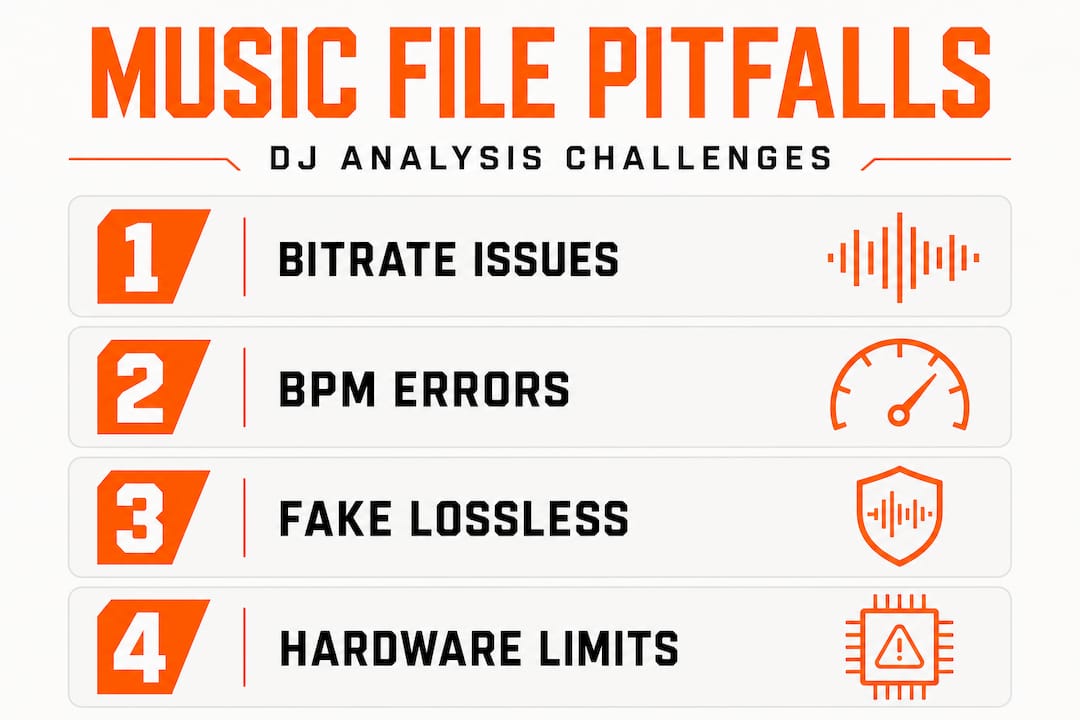
Variable bitrate MP3s are a classic headache. Unlike constant bitrate files where every second of audio takes up a predictable amount of space, variable bitrate (VBR) files compress different sections at different rates. This makes seeking (jumping to a specific point in a track) unreliable unless the software has pre-indexed the file. Platforms like Rekordbox handle this by storing time indices in their ANLZ analysis files, but not all software does this equally well.
BPM detection errors are more common than most DJs admit. Here’s a look at real-world error rates based on DJ metadata research:
| Error type | Genre affected | Typical error |
|---|---|---|
| BPM doubling | Dubstep, half-time | 2x actual tempo |
| BPM halving | Drum and bass, fast techno | 0.5x actual tempo |
| Off-grid placement | Tracks with swing or rubato | Drifting beatgrid |
| Detection failure | Ambient, spoken word | No BPM assigned |
Rekordbox shows a roughly 27% rate of half-tempo errors specifically with dubstep tracks. That means nearly 1 in 3 dubstep tracks could show up at 70 BPM when the real tempo is 140 BPM. If you’re mixing genres that span that range, your sync function becomes a liability instead of an asset.
Fake lossless is a real problem in DJ libraries. A fake lossless file is an MP3 or other lossy file that has been converted to WAV or FLAC. The file size looks like a lossless file, but the audio quality is still limited by the original lossy encoding. You can spot these by checking the spectral content: real lossless files show audio data at frequencies above 20kHz, while fake lossless files show a sharp cutoff where the original lossy encoder trimmed the high end.
“Fake lossless files take up more storage space, increase CPU load during decoding, and offer zero audio quality benefit over the original lossy file. They’re the worst of both worlds.”
High-bitrate and lossless files on older hardware can also cause problems. FLAC decoding is more CPU-intensive than MP3 decoding. On older DJ controllers or laptops, loading multiple high-bitrate tracks simultaneously can cause buffer underruns, which translates to audio dropouts mid-set. Check your hardware specs before committing to an all-lossless library if your gear is more than five years old.
Use DJ file compatibility tips to audit your library before your next gig. Catching these issues in your home studio beats discovering them on stage.
Playback and manipulation: From data to deck performance
Mastering analysis and troubleshooting files leads to your real goal: flawless live performance. Here’s how all that groundwork powers what you actually do on the decks.
Once analysis is complete, playback relies on fast, indexed seeking. When you jump to a cue point, the software doesn’t scan through the entire file from the beginning. It uses the precomputed index to jump directly to that position in milliseconds. This is why analyzed tracks load faster and respond more reliably than unanalyzed ones, especially in multi-deck setups where you’re managing four channels simultaneously.
Here’s how the playback pipeline works in real time:
- Seek request triggered. You press a cue button or drag the playhead. The software references its index to locate the exact audio frame.
- Audio decoded in chunks. The decoder pulls audio data in small buffers, keeping memory usage low while maintaining continuous playback.
- Floating-point processing applied. Effects, pitch shifting, and tempo changes are all processed in floating-point arithmetic internally. This preserves audio quality even when you’re stretching a track by 10 BPM.
- Output sent to audio interface. The processed audio gets routed to your hardware output at your configured sample rate and bit depth.
- Stem separation (if active). Platforms supporting stems use FFmpeg AAC decoders to separate vocals, drums, bass, and melody in real time, which is computationally intensive.
The floating-point processing point matters more than most DJs think. When you pitch a track up or down, the software is doing complex math on every audio sample. If your source file is already degraded from lossy encoding, that degradation gets amplified under heavy manipulation.
Lossy sources amplify artifacts under pitch and tempo changes. Lossless files are preferred for multi-pass processing scenarios like recording a mix and then exporting it as MP3. Each generation of lossy encoding stacks artifacts on top of each other.
Pro Tip: Use lossless files (WAV or FLAC) for tracks you plan to record into mixes or manipulate heavily with effects. For playback-only tracks where you’re just beatmatching and EQing, 320kbps MP3 is genuinely good enough. Save your storage space strategically.
Use advanced DJ performance preparation workflows to identify which tracks in your library deserve the lossless treatment and which ones are fine as-is. Not every track needs to be WAV. But your key tracks do.
What most DJs miss about file handling: Why “good enough” is often not enough
Here’s the uncomfortable truth: most DJs are running on borrowed time with their file prep. The “320kbps is fine” argument is mostly correct for casual playback, but it becomes a real problem the moment you start doing anything more than basic mixing.
The debate around 320kbps vs. lossless is real, and for straight playback, the difference is often inaudible. But the moment you start applying time-stretching, key shifting, or stem separation, lossy artifacts that were previously masked by the original encoding become audible. Your crowd might not consciously notice. But you will.
The hidden cost of skipping “slow” analysis modes is even sneakier. Imagine you’ve got 400 tracks analyzed on standard mode. You show up to a festival and load a dubstep-heavy set. Half your BPMs are wrong. The sync button is now your enemy. You’re manually beatmatching tracks you thought were prepped, in front of a crowd that’s waiting for the drop.
That scenario is not hypothetical. It happens to working DJs every weekend. The fix is simple: run high-precision analysis on your performance library. Yes, it takes longer. But it takes a lot less time than recovering from a broken set.
The other thing DJs miss is metadata drift. Every time you move files, rename folders, or update your software, there’s a risk that your database loses track of where your files live. Cue points get orphaned. Playlists break. Ratings disappear. Investing time upfront in a clean, consistent folder structure and regular database backups is the unglamorous work that separates reliable professionals from DJs who panic backstage.
Think of your library like a touring vehicle. You wouldn’t drive across the country without checking the tires, the oil, and the brakes. Your file prep is that pre-trip inspection. Skip it and you’re gambling with your reputation.
Take your library and prep to the next level with Crate Hackers
All of this analysis, metadata management, and file prep can feel overwhelming when you’re trying to add 50 new tracks a week and still have time to actually practice. That’s exactly the problem the Crate Hackers library platform was built to solve.
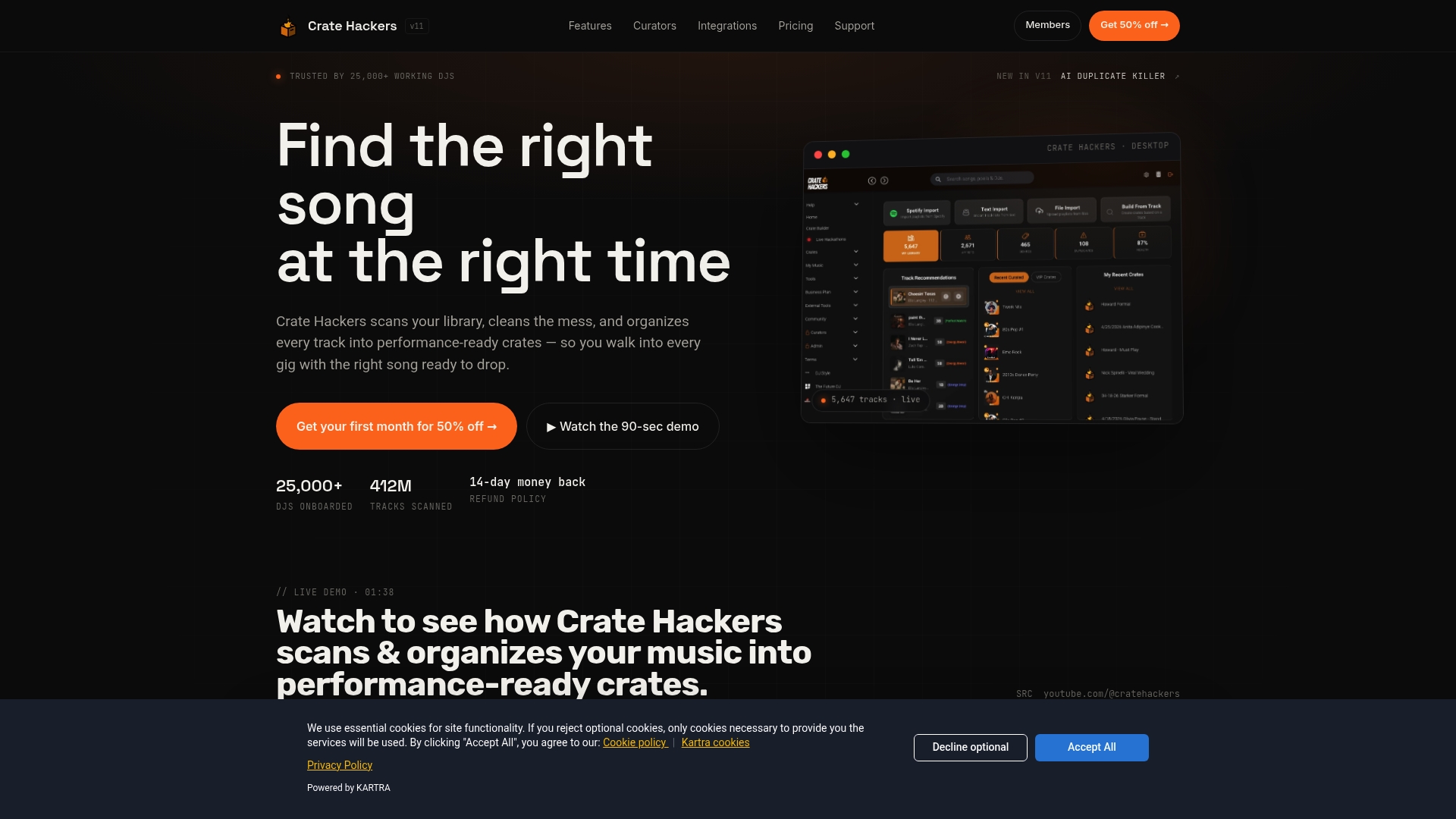
Crate Hackers automates the tedious parts: duplicate detection, crate building, track matching against your Spotify and Apple Music playlists, and clean exports directly to Rekordbox, Serato, and Virtual DJ. The AI-powered Duplicate Killer alone can save hours of manual library cleanup. Curator drops give you fresh, pre-organized crates from working DJs who’ve already done the hard prep work. Whether you’re managing 5,000 tracks or 50,000, Crate Hackers gives you the structure and speed to stay performance-ready without the chaos.
Frequently asked questions
Does DJ software alter my original music files?
No, most DJ apps store all analysis and metadata separately in their own databases, with one notable exception: Serato embeds cue and loop data directly into your audio files using proprietary GEOB ID3 tags, which means your original files are modified.
What audio formats offer the best reliability for DJ software?
Lossless formats like WAV and FLAC are best for heavy manipulation and mix recording, but lossless vs. lossy differences are minimal for straight playback, making 320kbps MP3 a solid choice for most performance tracks.
How can I transfer cue points and playlists across different DJ software?
Use export tools and cross-software sharing standards like OneLibrary or XML exports, but always verify that cue points and loop data have mapped correctly after the transfer since format-specific quirks can cause data loss.
Why do tempo and BPM numbers sometimes seem wrong in DJ apps?
BPM detection struggles with genres that use half-time or double-time rhythms, like dubstep, where BPM doubling errors can affect nearly 27% of tracks, causing the software to display half the actual tempo and throwing off your sync.