
TL;DR:
- Streaming integration allows DJs to explore music within their software, but licensing restrictions prevent recording or exporting streamed tracks.
- For professional use, it is essential to purchase owned files after discovery to ensure legal compliance and full functionality.
Streaming integration sounds simple. Connect your Spotify, load a track, mix. Done, right? Not even close. Understanding how streaming integration works for DJs means getting honest about what these platforms actually allow, what they block, and what happens when you try to record or export a mix built on streamed tracks. With 74% of 18-34 year-olds listening to online radio every month, the audience for DJ content is massive. But the gap between “I can stream this track” and “I can perform and distribute this mix” is where most DJs get stuck. This guide closes that gap.
Table of Contents
- Key Takeaways
- How streaming integration works for DJs
- The rights-aware DJ workflow
- Setting up a live DJ stream
- Comparing streaming services for DJs
- My honest take on streaming integration
- Build your library around what streaming finds
- FAQ
Key Takeaways
| Point | Details |
|---|---|
| Streaming is not plug-and-play | Licensing restrictions block recording, export, and advanced features in most DJ software. |
| Use a rights-aware workflow | Separate discovery with streaming from performance prep using owned files to stay legal. |
| Live streaming requires extra routing | Virtual audio cables let you capture a DJ set when internal recording is disabled. |
| Platform features vary widely | Supported services, offline modes, and DJ-specific tools differ across every app and region. |
| Owned files protect paid gigs | For professional sets and distributions, always back your mixes with purchased or downloaded tracks. |
How streaming integration works for DJs
At its core, streaming integration inside DJ software lets you search a streaming catalog, load tracks onto virtual decks, and play them like local files. The track buffers over your internet connection and plays through the software in real time. That part works well.
The problems start the moment you try to do anything beyond basic playback.
What software supports it
Most major DJ platforms now support at least one streaming service. Here is a quick look at how the main players line up:
| DJ Software | Supported Streaming Services | Notes |
|---|---|---|
| Serato DJ Pro | Tidal, SoundCloud, Beatport | One service active at a time |
| Rekordbox | Tidal, Beatport, Beatsource | Multiple services simultaneously |
| djay Pro | Spotify, Apple Music, Tidal | Full catalog access, DRM applies |
| VirtualDJ | Deezer, Tidal, SoundCloud | Broad integration, broadcast built in |
| Engine OS (Denon) | Tidal, SoundCloud Go+ | Hardware-native, offline caching |
Rekordbox supports multiple services at the same time while Serato requires choosing one. These differences matter when you are building a set across multiple catalogs.
What gets blocked
This is the part nobody advertises. Internal recording is disabled in Serato and djay Pro the moment you load a streaming track. The licensing agreements between DJ software companies and streaming services explicitly prohibit capturing audio from streamed content.
It goes further than recording. Streaming track DRM also disables advanced features like real-time stem separation and Neural Mix in djay Pro. Those features require local, unprotected audio files. You cannot stem-split a streamed track. Period.
Pro Tip: Treat streaming tracks like a test drive. Load them, check energy, key, and structure. But before the gig, own the files.
Caching and internet dependency
Some platforms offer limited offline caching for streamed tracks. Denon DJ’s Engine OS, for example, allows temporary caching on compatible hardware. But this is still subject to licensing terms and is not the same as owning a file. One dropped Wi-Fi connection mid-set is all it takes to lose a track. That is a real risk at a club or wedding where the venue router decides to restart.
The rights-aware DJ workflow
The smartest DJs use streaming as a sketch pad, not a production file. Think of it like this: streaming is your pencil drawing, owned files are the final print.
Here is a workflow that holds up legally and practically:
-
Discover with streaming. Use Tidal or Beatport integrated directly into your DJ software to search, preview, and test tracks. Load them onto decks, check energy, check key compatibility. This is pure exploration with zero friction.
-
Flag what works. Build a “to buy” playlist inside your DJ software or a companion app. Some platforms let you heart or crate tracks directly from streaming search. Use that feature aggressively.
-
Purchase or download before the gig. Buy flagged tracks from Beatport, download from your record pool, or pull from your existing library. Do not rely on streamed files for any set where recording, broadcast, or export is involved.
-
Rebuild the set with owned files. Load your purchased tracks back into the same set structure. This is where DJ.Studio’s Beatport cart export makes the process faster. It reads your streaming-led project and creates a Beatport cart containing every track you need to buy. One click, one checkout, done.
-
Record and export freely. With owned files loaded, recording and export restrictions disappear. You can render a mix, upload to SoundCloud, submit to a podcast, or archive for client review.
Pro Tip: Keep a separate “streaming discovery” crate in your library manager that never gets exported or performed with. It exists only to feed your “to buy” list. Clean separation prevents last-minute panic before a gig.
The key insight here is that streaming excels at discovery and planning but owned files are what make a set export-ready and legally clean. The best DJ file practices always separate those two stages.
Setting up a live DJ stream
Live streaming your DJ sets is a different challenge from just integrating streaming music. Here you are pushing your mix out to an audience in real time. Two things have to work together: your DJ software audio output and your broadcasting software input.
Routing your audio
The basic path looks like this:
- DJ software plays audio through your audio interface
- A virtual audio cable (like BlackHole on Mac or VB-Audio on Windows) captures that output
- Broadcasting software like OBS receives the virtual cable as an audio input source
- OBS encodes and sends the stream to your platform of choice
Virtual audio routing bypasses the internal recording blocks that streaming licensing imposes. You are not recording inside the DJ software. You are capturing the audio signal after it leaves. This is an important distinction, and it is the workaround most professional DJs rely on.
VirtualDJ’s built-in broadcast tools skip this complexity entirely. It has native broadcasting support with overlays, playlist display, and Icecast server compatibility all inside the software. If live streaming is a core part of your workflow, that built-in functionality saves a lot of setup time.
Choosing a platform
Not all streaming platforms treat DJ content the same way. Here is what matters:
- Mixcloud: Built for DJs. It has licensing deals with major labels that cover DJ mixes. No takedowns, monetization options available. Best for recorded mix archives.
- Twitch: Large gaming audience but growing DJ presence. Content ID claims can still hit during a live set if you play licensed music.
- YouTube: Powerful discovery potential. High risk of automated content claims on copyrighted music, even in live sets.
- Facebook and Instagram: Smaller reach for DJ content, aggressive content detection. Useful for existing audiences only.
Pro Tip: If you want to stream without fear of takedowns, Mixcloud is still the safest choice for traditional DJ mix content. For building a broader live audience, simulcast across platforms using a tool like Restream.
24% of global social media users watch live video content regularly. That audience is there. The platform choice determines whether your stream stays up or gets pulled.
Comparing streaming services for DJs
Not all streaming services deliver equal value inside your DJ software. The differences can reshape your workflow.
| Service | DJ Software Support | Offline Mode | Best For |
|---|---|---|---|
| Tidal | Serato, Rekordbox, djay, Engine OS | Limited caching | High-res audio, wide DJ support |
| Beatport | Serato, Rekordbox, djay | No | Electronic music specialists |
| SoundCloud Go+ | Serato, VirtualDJ, Engine OS | No | Underground and independent tracks |
| Apple Music | djay Pro only | No (DRM applies) | iOS-heavy hobbyist DJs |
| Spotify | Removed from DJ software integrations | No | Discovery only (no current integrations) |
A few things stand out in that table. Spotify, once widely discussed for DJ use, no longer maintains active DJ software integrations. Beatport and Beatsource are the go-to services for professional and mobile DJs focused on electronic music and mainstream hits respectively.
For hobbyists, choosing the right streaming service often comes down to catalog size and cost. Tidal’s DJ Extension adds a layer of DJ-specific functionality worth exploring if you are already a subscriber.
Hardware matters here too. Denon DJ Prime hardware and Numark Mixstream controllers access streaming services natively, without needing a laptop running DJ software. That setup can simplify a live streaming rig considerably.
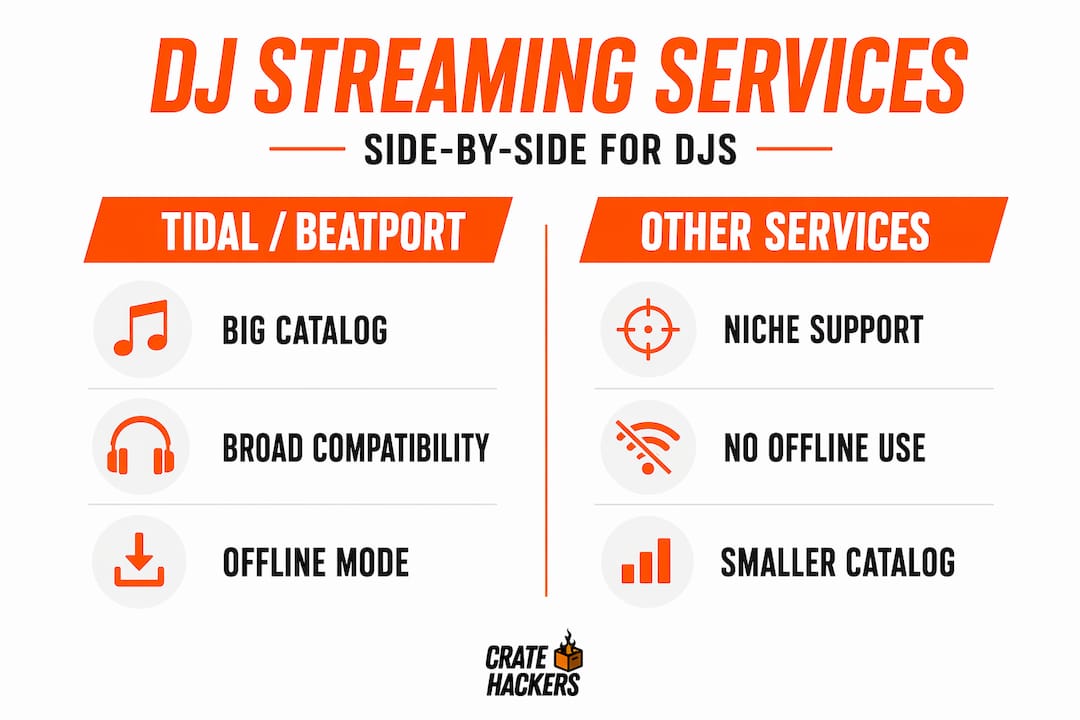
The core reality: streaming service features, catalogs, and licensing terms change constantly. What works today in your region may not work next month. Build your workflow around owned files as the foundation, with streaming sitting on top as a discovery and preview layer.
My honest take on streaming integration
I have watched DJs get excited about streaming integration and then hit a wall the first time they try to record a set or play a paid gig. The disappointment is real. The features look amazing in the marketing. The reality involves a lot more planning.
Here is what I have learned. Streaming is genuinely great for one thing: finding music fast. Being able to search millions of tracks directly inside Rekordbox without leaving the software? That changes how you build sets. It is faster than hunting through record pools, faster than browsing Beatport manually. For discovery, it is the best tool DJs have ever had.
But the moment money or distribution enters the picture, streaming alone falls short. Internet drops happen. Licensing terms shift overnight. A service you rely on can pull integrations with 30 days notice. I have seen DJs show up to gigs with sets built on streamed tracks and face a dead Wi-Fi router at the venue. That is a preventable disaster.
The workflow that works, in my experience, is treating streaming like a research assistant and owned files like your actual toolkit. The music organization step of converting streaming discoveries into a clean local library is where the real prep happens. That is not extra work. That is how you stay in control.
Streaming integration is a starting point. Your owned, organized library is where you finish.
— Dominick
Build your library around what streaming finds
Streaming integration shows you what is possible. Cratehackers helps you build the library that makes it permanent.
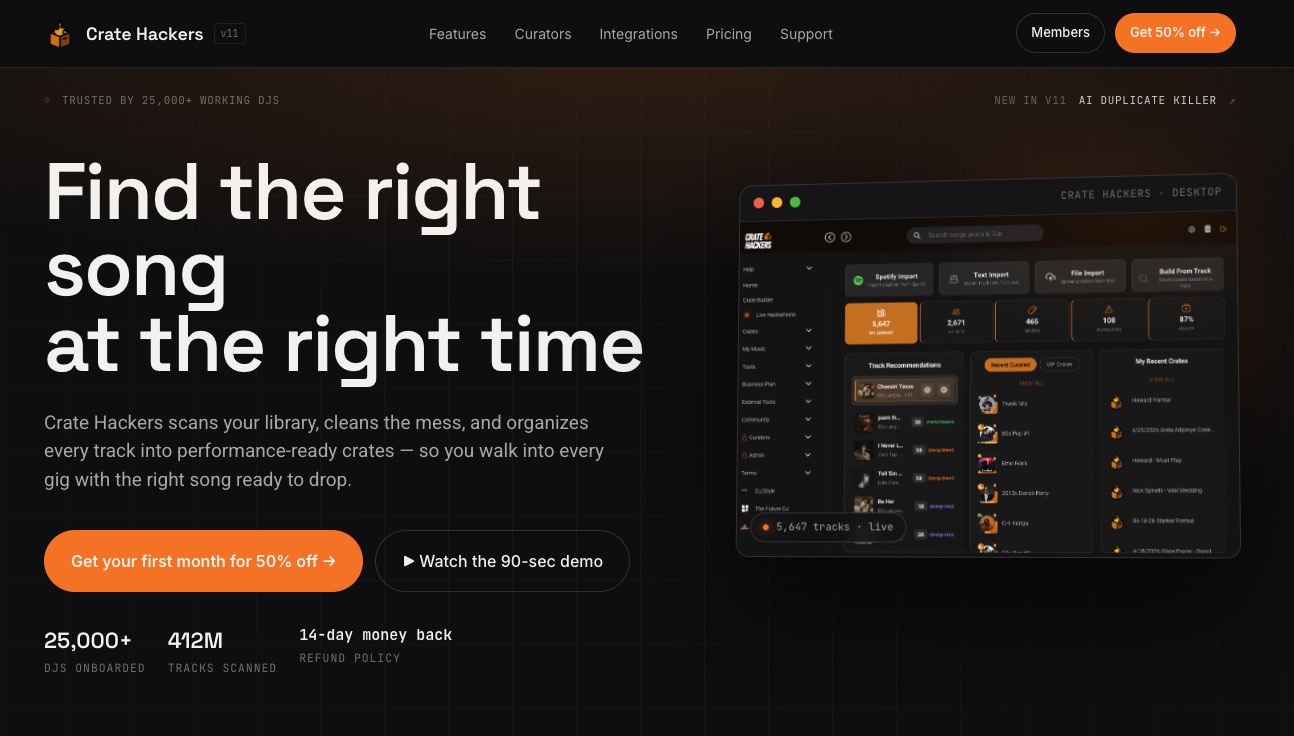
When you discover a track through Tidal inside Rekordbox or flag a banger on Beatport streaming, the next step is getting it into a clean, organized local library you can actually perform with. That is exactly what Cratehackers is built for. The platform scans your existing collection, kills duplicates, matches tracks against your streaming playlists, and exports clean crates directly to Serato, Rekordbox, or VirtualDJ. You stop spending time searching and start spending time preparing. Whether you are a hobbyist building your first library or a touring pro managing thousands of files, Cratehackers turns your streaming discoveries into performance-ready crates. Fast.
FAQ
What is streaming integration in DJ software?
Streaming integration lets DJs search and play tracks from services like Tidal or Beatport directly inside DJ software without downloading files first. It works like loading a local file, except the audio streams over an internet connection in real time.
Can you record a DJ mix using streaming tracks?
Internal recording is disabled in most DJ software when streaming tracks are active, due to licensing agreements. You can work around this by routing audio through a virtual audio cable into a separate recording application like OBS or Audacity.
Does streaming integration work without internet?
Most streaming integrations require an active internet connection during playback. Some platforms like Engine OS offer limited offline caching, but these are subject to licensing restrictions and are not a substitute for owned local files during a live performance.
Which streaming service is best for DJs?
Tidal and Beatport offer the widest DJ software compatibility across platforms. The best choice depends on your genre focus, which DJ software you use, and whether you need hardware integration or just laptop-based playback.
Can you use streamed tracks for paid gigs?
You can play them during a live performance, but for recording, broadcast, or export you need owned files. Professional workflows treat streaming as the discovery phase and require purchasing tracks before distribution or paid gig performance.