
TL;DR:
- Apple Music is primarily a discovery and practice tool for DJs, not a performance system due to DRM restrictions. Its integration with djay Pro and emerging hardware like CDJ-3000X makes it useful for initial song selection and preparation. A hybrid workflow, combining streaming for discovery and owned files for live performance, offers the best reliability and creative control.
A lot of DJs assume Apple Music is a performance tool. Load it up, stream a track, mix it live, done. That misunderstanding shapes entire preparation workflows in ways that can burn you mid-gig. The real role of Apple Music in DJ preparation is more nuanced and, when you understand it correctly, far more powerful. It belongs at the front of your process: discovery, referencing, practice, and playlist building. Not at the end, behind the decks. This guide breaks down exactly where Apple Music fits, where it falls short, and how to build a workflow that actually holds up under pressure.
Table of Contents
- Apple Music and its integration in modern DJ workflows
- What Apple Music can and cannot do for your DJ set preparation
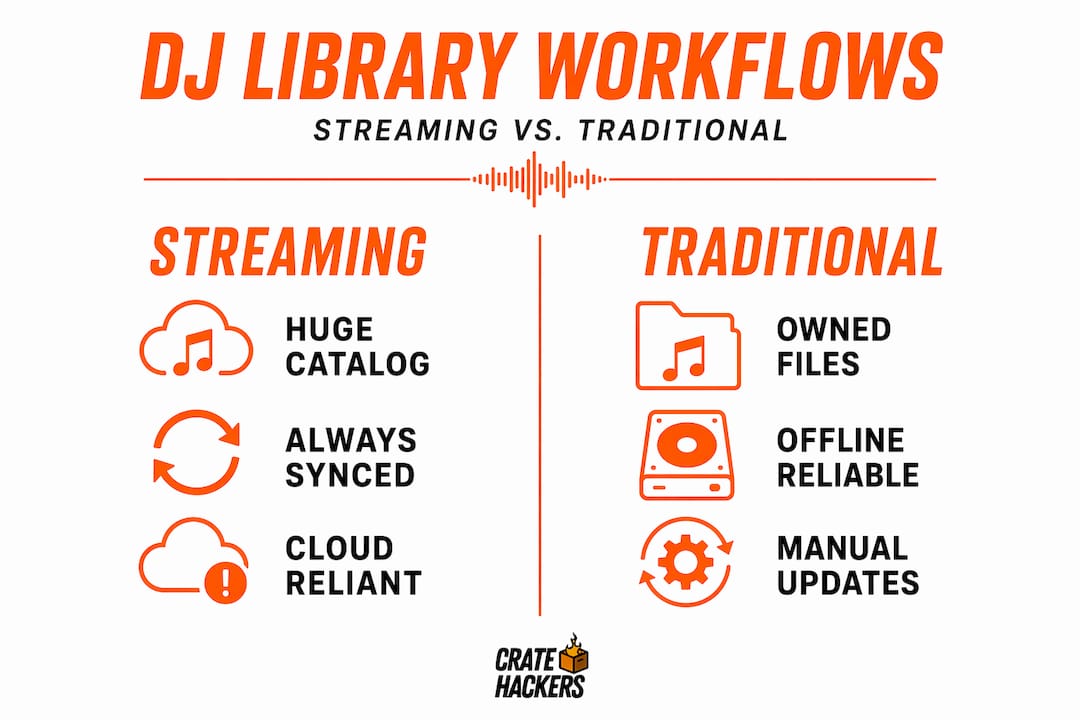
- Comparing streaming and traditional DJ library workflows
- Practical steps to use Apple Music for efficient DJ set preparation
- Apple Music’s impact on DJ creativity and culture
- Why Apple Music should be a preparation tool, not a performance crutch
- Enhance your DJ preparation with Crate Hackers
- Frequently asked questions
Key Takeaways
| Point | Details |
|---|---|
| Apple Music integration | Apple Music uniquely integrates with djay Pro, providing DJs access to a massive streaming catalog within Apple’s ecosystem. |
| Limitations of streaming | Streaming tracks are DRM-protected, limiting mix exporting and restricting use in most DJ software outside djay Pro. |
| Hybrid workflow benefits | Combining Apple Music for discovery with owned DRM-free files for performance offers reliability and licensing compliance. |
| Preparation strategies | Using Apple Music playlists as digital crates and pre-downloading tracks optimizes set preparation and execution. |
| Creative impact | Apple Music’s integration modernizes DJ culture while emphasizing human curation and contextual creativity remains vital. |
Apple Music and its integration in modern DJ workflows
Here is the first thing you need to know. Apple Music is the only major consumer streaming service that works inside a real DJ app. That app is djay Pro, and it runs within the Apple ecosystem on Mac, iPhone, and iPad. No other major DJ software has official Apple Music integration as of 2026. That is a narrow lane, but it is a real one.
The catch is DRM. Every track you stream through Apple Music is protected by digital rights management, which means the audio stays locked inside the app. You cannot export it, bounce it to a file, or route it into another software. This shapes everything about how you should approach Apple Music for DJs.
Here is what that integration actually looks like in practice:
- Stream and mix Apple Music tracks directly inside djay Pro
- Download tracks locally within djay Pro for offline use during gigs
- Access Apple Music’s full catalog for on-the-fly selection during practice
- Use Siri integration for quick searches mid-session
- Sync your existing Apple Music playlists into djay Pro as reference crates
And now the hardware side is evolving too. AlphaTheta’s CDJ-3000X integrates Apple Music natively, which means professional club hardware is starting to support streaming playback directly. That is a significant shift in how the industry thinks about using Apple Music for gigs.
| Feature | Apple Music + djay Pro | Apple Music + CDJ-3000X |
|---|---|---|
| Live streaming | Yes | Yes |
| Offline playback | Yes (pre-download required) | Limited |
| Mix recording/export | No (DRM-blocked) | No (DRM-blocked) |
| Scratch and cue support | Yes | Yes |
| Cost (annual estimate) | ~$182 combined | Hardware cost separate |
The combined cost of an Apple Music subscription and djay Pro license runs around $182 per year. For the catalog access you get, that is reasonable. But understanding what you are actually paying for matters. You are paying for discovery and practice access, not performance rights.
If you want to organize DJ music workflows around streaming, the technical setup is the starting point. But the mindset shift is the real work.
What Apple Music can and cannot do for your DJ set preparation
Let’s be direct. Streaming tracks are DRM-protected, which means you cannot export mixes and you cannot use those tracks in most DJ software outside djay Pro. That single fact should reframe your entire strategy.
Here is what Apple Music genuinely does well for music selection for DJs:
- Discovery: The editorial playlists and algorithmic recommendations inside Apple Music are genuinely strong. “New Music Daily,” genre-specific editorial drops, and the New in Hip-Hop or Dance sections surface tracks you might not find scrolling through record pools.
- Reference playlists: Build playlists by mood, BPM range, energy level, or event type. Use them as a map when purchasing files later.
- Practice sessions: Stream tracks to work on beatmatching, phrasing, and transition timing without spending money on files you are still evaluating.
- Track familiarization: Hearing a track 10 times before you buy it means you know exactly where the drops, vocals, and breakdowns land. That knowledge is gold when you are live.
Here is what Apple Music cannot do:
- Replace owned, DRM-free files for live performance reliability
- Allow you to record or share a mix publicly without licensing conflicts
- Work in Rekordbox, Serato, or Virtual DJ natively
- Guarantee consistent audio quality without a stable internet connection
Pro Tip: Use Apple Music as your audition room. When a track passes the test after three or four practice listens, that is your signal to buy the high-quality file from Beatport, Traxsource, or your preferred record pool. Never let a streamed track be your only copy heading into a gig.
Understanding your DJ software file reading pro tips also helps here. Different software handles file formats differently, and buying files in the right format from the start saves you a lot of headaches.
Comparing streaming and traditional DJ library workflows
Not every DJ needs the same setup. But every DJ needs to understand the trade-offs clearly.
| Workflow type | Catalog size | Reliability | Rights control | Software compatibility |
|---|---|---|---|---|
| Full streaming | Massive | Internet-dependent | Limited | djay Pro only (Apple Music) |
| Hybrid | Large + curated | High | Partial | Broad |
| Fully owned library | Curated | Highest | Full | All major software |
Experts recommend hybrid workflows combining streaming for discovery and owned libraries for performance to reduce connectivity and licensing risks. And honestly, that advice holds up across every DJ context, from mobile entertainers to club residents.
Here is how each model plays out in reality:
- Full streaming: Great for hobbyists, risky for professionals. If your venue’s WiFi drops, you are scrambling. If a client records your set and posts it, you are exposed on rights.
- Hybrid: This is the sweet spot. You use Apple Music or other platforms to discover, audition, and plan. Then you buy the tracks that make the final cut. Your performance library is clean, owned, and reliable.
- Fully owned library: Maximum control. Every file is yours, tagged correctly, stored locally, and ready for any software. The downside is cost and the discipline required to keep it current.
The CDJ-3000X’s Apple Music integration hints at where the industry is headed. Club hardware talking directly to streaming services is coming. But right now, in 2026, the professional standard is still owned files for performance. Use streaming to feed your library, not replace it.
If you are serious about organizing DJ music libraries, the hybrid model gives you the most flexibility without the risk.
Practical steps to use Apple Music for efficient DJ set preparation
Here is the actual process. Not theory. Steps you can run right now.
- Build event-specific playlists in Apple Music. Create a playlist for every gig type you play: weddings, corporate events, late-night club sets, outdoor festivals. Fill each one as you discover tracks you like.
- Use those playlists as your shopping list. Review the playlist before you buy anything. Rate tracks mentally after a few listens. Only purchase the ones that earn a permanent spot.
- Practice transitions using streamed tracks. Work on your phrasing and mix points inside djay Pro. You do not need to own a file to learn how it behaves.
- Pre-download in djay Pro for offline gigs. Any track you plan to play live, download it inside the app before you leave the house. Test offline mode by switching to airplane mode and confirming playback works.
- Finalize your set with owned files. For the actual gig, your performance crate should be DRM-free files you own, organized in your DJ software of choice.
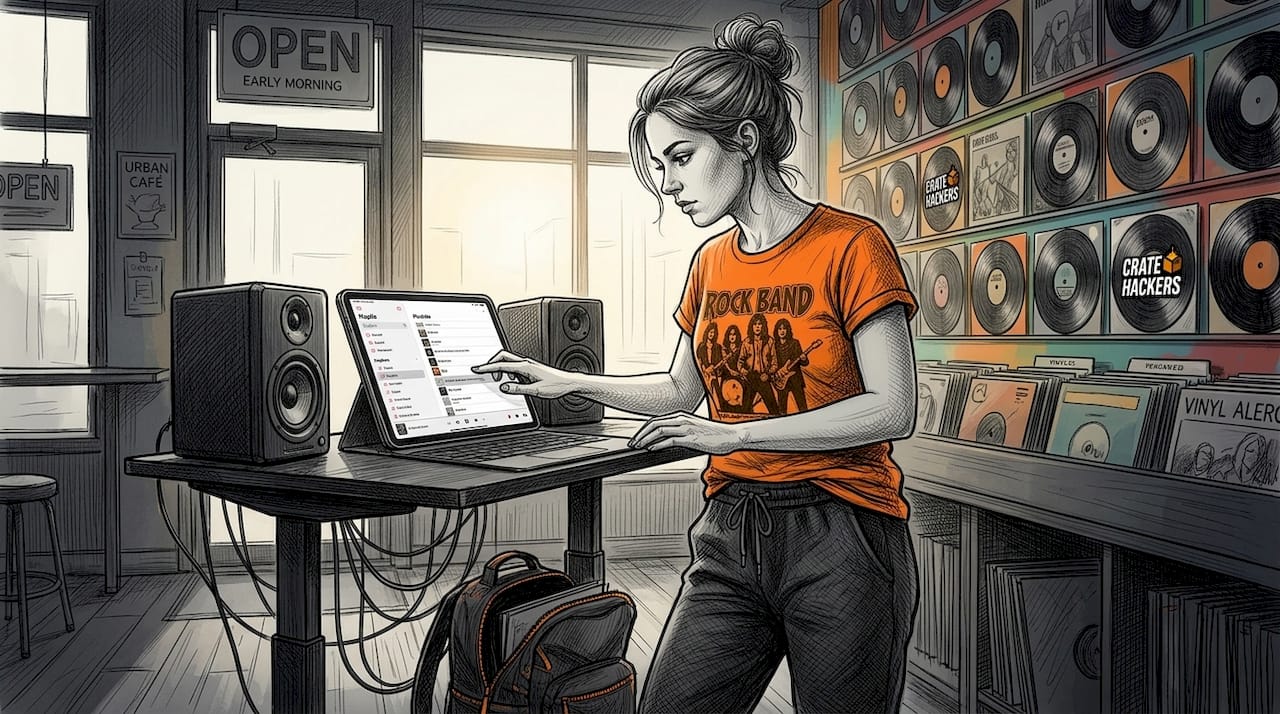
DJs use Apple Music playlists as digital crates, building gig-specific playlists to cut decision time and sharpen their selection before the day of the event. That kind of upfront work is what separates a confident set from a panicked one.
Pro Tip: The night before a gig, run through your Apple Music reference playlist one more time. You will catch at least one track that no longer fits the energy you are going for. That last-minute edit keeps your set tight.
Connect this prep work with solid DJ preparation pro tips around file tagging and crate building, and you turn good instincts into a repeatable system.
Apple Music’s impact on DJ creativity and culture
The conversation around DJing with Apple Music goes beyond technical workflows. It is reshaping how DJs discover music, how mixes get distributed, and how the industry thinks about rights.
“Apple Music’s investments in DJ integration are modernizing the DJ mix format, supporting attribution and compensation, and fostering discovery.” — DJ LIFE Magazine
Apple Music’s DJ Mix program is a real step forward. Mixes uploaded through the program are properly attributed, artists get compensated, and DJs gain legitimate visibility without the takedown risk that haunts SoundCloud or YouTube uploads. That is a culture shift, not just a feature update.
The CDJ-3000X integration signals something bigger: professional hardware manufacturers are betting on streaming as a real part of live performance. When AlphaTheta builds Apple Music into their flagship CDJ, that is not a gimmick. That is a statement about where club culture is heading.
For creative discovery, Apple Music’s editorial playlists are underrated tools. The curatorial teams behind “Today’s Hits,” genre-specific drops, and mood-based collections do real work. Tapping into those as a DJ means you are tracking cultural trends before they hit mainstream request lists.
The human curation element still matters deeply. Algorithms surface patterns. But the DJs who build DJ music discovery and culture into their daily routine, spending real time listening and responding to what they hear, are the ones who stay ahead of the room.
Why Apple Music should be a preparation tool, not a performance crutch
Here is the uncomfortable truth that most streaming-focused articles skip past.
Treating Apple Music as a live performance tool is a form of preparation avoidance. It feels like readiness because you have access to millions of tracks. But access is not preparation. A DJ who has curated 200 owned, perfectly tagged, performance-ready tracks knows their library inside out. A DJ scrolling a streaming catalog mid-set does not.
Professional DJs warn that relying solely on streaming introduces real risks, and they advocate hybrid workflows for best results. The risks are not just technical. They are artistic. When your safety net is a streaming catalog, your brain outsources the creative work to the search bar. That kills instinct.
The DJs who use Apple Music well treat it as top-of-funnel. It is where tracks enter their world. Not where they perform. Discovery happens in Apple Music. Audition happens in djay Pro. Purchase happens on a record pool or store. Organization happens in their DJ software. Performance happens with owned files they know cold.
That pipeline is disciplined. And discipline is what separates a good DJ from a reliable one.
Your organize DJ libraries efficiently workflow should reflect this funnel. Every track that enters through Apple Music should eventually either earn a spot in your owned library or get cut. No track limbo. No “I’ll decide later.” That clarity is what makes you confident behind the decks.
Enhance your DJ preparation with Crate Hackers
You now know how Apple Music fits into a smart prep workflow. The next problem most DJs face is the owned library side of that equation: duplicate files, messy crates, tracks that never get tagged properly, and libraries that take forever to search in the moment.
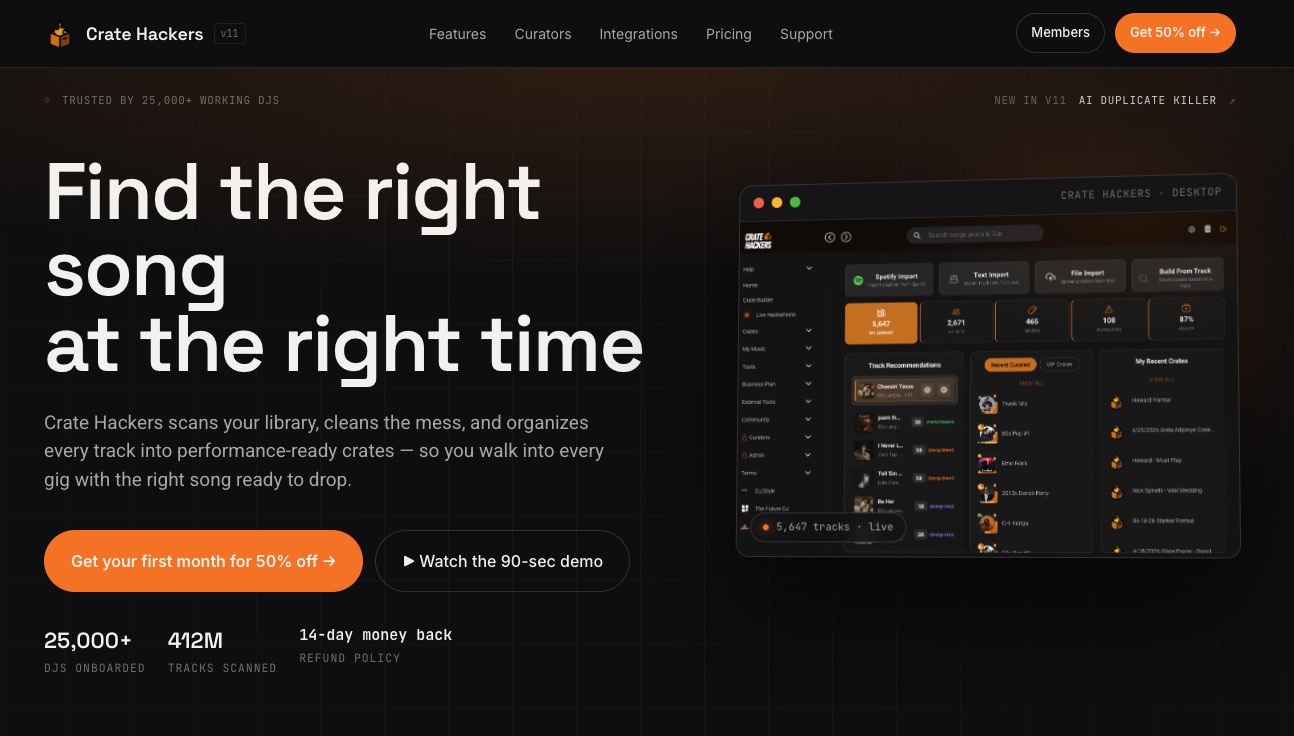
Crate Hackers is built specifically for that problem. It scans your local library, kills duplicates, matches your streaming playlists from Apple Music and other services, and exports clean crates directly into Serato, Rekordbox, or Virtual DJ. The track matching feature alone turns your Apple Music discovery playlists into performance-ready crates faster than any manual method. For professional DJs and mobile entertainers who need to prepare faster without cutting corners, it is the missing link between streaming discovery and gig-ready execution.
Frequently asked questions
Can I use Apple Music tracks to record and share DJ mixes publicly?
No. Apple Music tracks are DRM-protected, which blocks you from exporting or sharing mixes publicly on platforms like SoundCloud or YouTube without triggering rights violations.
Which DJ software supports Apple Music integration in 2026?
As of 2026, djay Pro is the only major DJ app with official Apple Music integration, available within the Apple ecosystem on Mac, iPhone, and iPad.
What is the best workflow for using Apple Music as a professional DJ?
A hybrid workflow is best: use Apple Music for discovery and practice, then purchase DRM-free files for live performance to ensure reliability and rights compliance.
Can I perform live DJ sets entirely using Apple Music streaming?
It is risky. Relying solely on streaming creates connectivity vulnerabilities and DRM restrictions that can break a live set. Pre-downloading inside djay Pro and owning your core performance files is the professional standard.