
TL;DR:
- Streaming is useful for music discovery and practice but has limitations in licensing, integration, and real-time performance. DJs should cache tracks offline, build playlists beforehand, and purchase tracks they regularly perform to ensure reliability and legality. The hybrid approach—using streaming for exploration and ownership for performance—offers the best balance for home DJs.
Streaming changed how home DJs discover and prepare music. But the role of streaming services in home DJ setups is more complicated than most people think. A lot of DJs assume they can just plug into Spotify or Apple Music and never buy another track again. That’s not quite how it works. There are real technical limits, licensing restrictions, and workflow traps that can wreck a set if you’re not prepared. This guide cuts through the noise and tells you exactly what streaming can and can’t do for your home setup, so you make smarter decisions.
Table of Contents
- Key Takeaways
- The role of streaming services in home DJ setups right now
- How streaming supports discovery and practice at home
- Balancing streaming and owned downloads
- Advanced streaming integrations and performance tools
- My honest take on streaming and your library
- How Cratehackers helps you get more from streaming
- FAQ
Key Takeaways
| Point | Details |
|---|---|
| Streaming has real limits | Not all platforms integrate with DJ software, and recording streamed mixes is generally not permitted. |
| Spotify is out | Spotify removed DJ app integration in 2020 and has not restored it for any major software. |
| Streaming excels at discovery | Use it to test tracks and build playlists before committing to purchases for your core library. |
| Offline caching is your safety net | Some services allow downloaded playback tiers, which protect you from internet failures during sets. |
| Hybrid workflows win | Stream for exploration, own the tracks you perform with regularly. |
The role of streaming services in home DJ setups right now
Streaming integration with DJ software is real, but it is not universal. The landscape has shifted a lot, and knowing which services actually work saves you time and money.
Here is where things stand in 2026:
- Apple Music + djay Pro: The tightest streaming DJ workflow available on Apple devices. You get beatmatching, effects, and offline play support. Scratching is limited without downloading the track first. Cost: $10.99/month for Apple Music plus $49.99/year for djay Pro.
- Beatport Streaming: Built for electronic DJs. The Professional+ tier integrates with Serato and other major apps, and it includes an offline locker so you are not wrecked by bad venue WiFi.
- Beatsource LINK: Targets open-format DJs with a broader genre catalog. Works with several major DJ apps.
- TIDAL: HiFi audio quality and integrations with select DJ software, popular for DJs who care about sound fidelity.
- Spotify: Gone from DJ apps entirely. Spotify shut down third-party DJ integrations in July 2020, and no major software has brought it back.
The Spotify situation catches a lot of newer DJs off guard. You can still use it to discover music, build reference playlists, and scout tracks. You just cannot play it through your DJ software directly.
There are also technical constraints worth knowing. Streaming requires a stable internet connection for live playback, and offline mode only works if you cached tracks in advance. Features like heavy scratching or pitch-shift manipulation are sometimes restricted on streamed files compared to locally stored ones.
One more wall: licensing. Streaming licenses do not permit recording or exporting mixes that contain streamed tracks. If you record your sets for YouTube, Mixcloud, or SoundCloud, playing a streamed track in that mix puts you in legally murky territory.
Pro Tip: Set up your DJ software’s streaming integration at home first. Test the connection, cache a small playlist, and verify that your key features like looping and hot cues actually work on streamed tracks before you depend on it for anything that matters.
How streaming supports discovery and practice at home
This is where streaming music for DJs genuinely shines. No purchase commitment means you can explore freely.
Here is the workflow that separates prepared DJs from the ones scrolling in panic mid-set:
- Scout the catalog. Browse your streaming service like a research tool. Search by genre, BPM range, or mood. Add anything interesting to a staging playlist.
- Test the transitions. Load those tracks into your DJ app via the streaming integration and practice your mixes. You will quickly discover which tracks actually work together versus which ones just sounded cool in isolation.
- Tag your winners. When a track earns its spot in a real set, flag it. That is your buy list. Those tracks move from “streaming discovery” to “owned file.”
- Build your performance playlists from owned tracks. Keep streamed tracks as warm-ups and crowd-reading tools. Your bread-and-butter tracks should be local files you own.
The biggest mistake home DJs make is treating streaming as an infinite live library. It is not. Preparing playlists ahead of time and storing them inside your DJ software eliminates the aimless scrolling that kills your momentum mid-set.
Streaming also reduces the pressure of buying tracks you end up never playing. If you used to purchase ten tracks a week just to find two good ones, streaming cuts that waste significantly. You discover fast, buy deliberately.
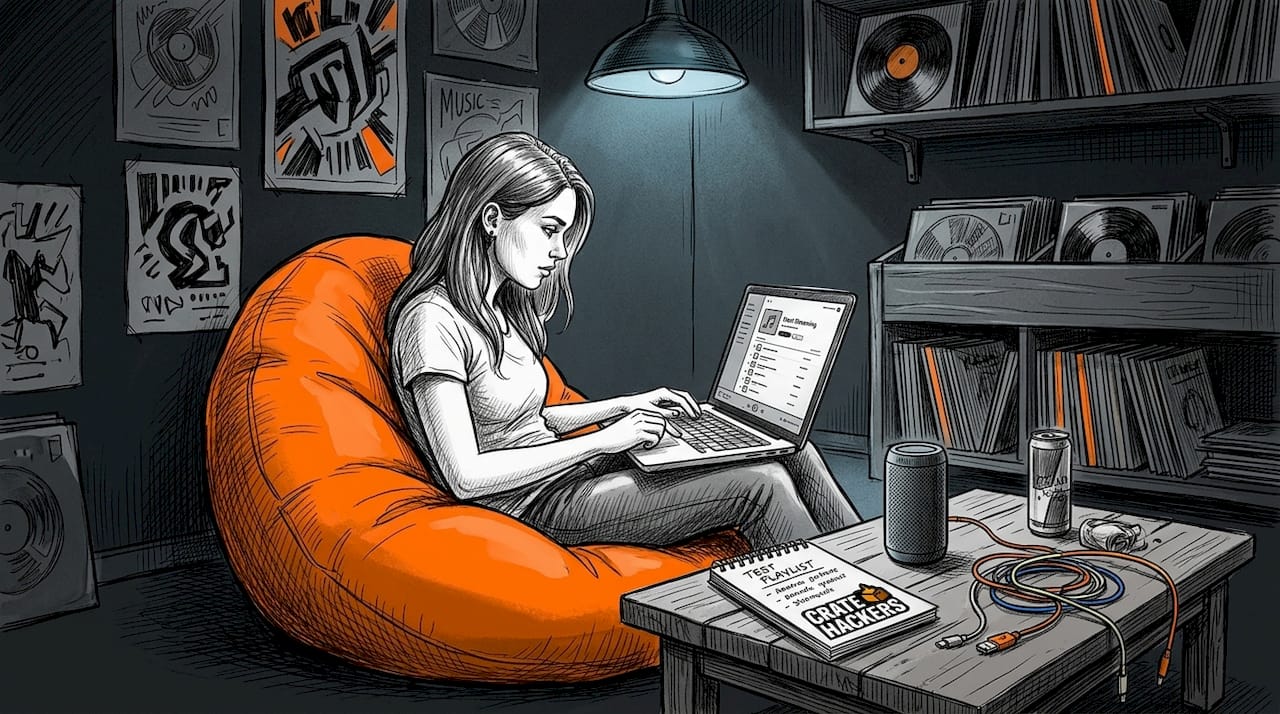
Pro Tip: Create a dedicated “Test Playlist” inside your streaming app. Every track you hear anywhere, add it there first. Once a week, run through it in your DJ software. Anything that makes the cut gets purchased. Anything that does not gets deleted. Clean process, no clutter.
Balancing streaming and owned downloads
Here is the honest breakdown. Streaming alone is not a performance-ready strategy. Owned tracks alone can feel limiting for discovery. The hybrid approach is what actually works.
The risks of going streaming-only
- Internet drops kill your set with zero warning
- You cannot legally record or export those mixes for content creation
- Feature restrictions on streamed tracks can hurt your technical performance
- Services can change catalogs or pricing at any time
The case for owning your core tracks
Purchased tracks give you full offline reliability, complete feature access, and the legal standing to record, broadcast, and publish your mixes. That matters if you are building a presence online or getting paid for sets.
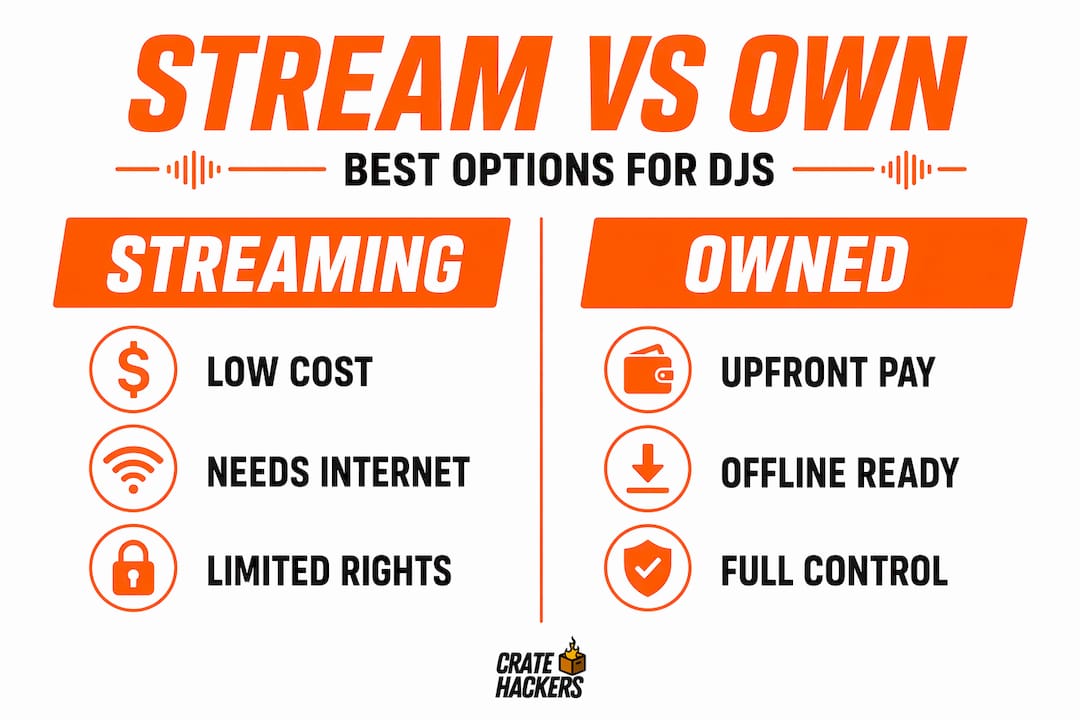
Here is a simple comparison of the two approaches:
| Factor | Streaming only | Owned downloads |
|---|---|---|
| Cost upfront | Low (subscription) | Higher per track |
| Offline reliability | Depends on caching | Always works |
| Recording/exporting mixes | Not permitted | Permitted |
| Catalog size | Massive | What you buy |
| Feature access | Sometimes limited | Full |
How to build a hybrid workflow
Stream first. Buy second. That is the rule.
Use streaming to audit tracks before you commit money. When a track earns regular rotation, buy it from Beatport, Traxsource, or a record pool. Proper organization of your music files after purchase keeps your local library clean and performance-ready.
Some services like Beatport Streaming Professional+ let you cache tracks for offline DJ use. That is a legitimate safety net for home sets and lower-stakes gigs. For anything you are recording or publishing, own the track outright.
Pro Tip: Check whether your DJ software differentiates between streamed and locally stored tracks in your crates. Some apps mark streamed files differently. Knowing which tracks in your playlist are “owned” versus “streamed” at a glance prevents last-minute surprises when you are about to record.
Advanced streaming integrations and performance tools
Once your base workflow is solid, there are layers you can add to get more out of your DJ setup with streaming.
Real-time guest requests
Systems like WrzDJ let guests submit song requests via QR code, and those requests sync into your active streaming playlist dynamically. For home DJs running events or parties, this is a genuinely useful tool. It filters duplicates and keeps the request queue manageable without you constantly checking your phone.
AI-powered features and stems
djay Pro’s Neural Mix is the clearest example here. It isolates vocals, drums, and instruments in real time. The catch: this feature works best on locally downloaded files. Streamed tracks can sometimes support it, but performance varies. If AI stems are part of your style, prioritize downloading those tracks rather than streaming them live.
MIDI controller support
Most hardware controllers work fine with streaming-integrated apps. The mapping is the same whether the track source is local or streamed. What changes is latency. A weak internet connection introduces slight audio buffer issues that a local file never would. At home this is usually not a problem. At a venue with shared WiFi, it can be.
Here is a quick checklist for optimizing your streaming workflow during a live set:
- Pre-cache your key tracks the night before any session
- Hardwire your connection via ethernet instead of relying on WiFi
- Keep a folder of owned “emergency tracks” in every genre you might need
- Avoid browsing your streaming catalog live. That is what your pre-built playlists are for
The impact of streaming on DJs who gig regularly often comes down to preparation quality. The tools exist. The discipline around using them is what separates a smooth set from a chaotic one.
Pro Tip: If you perform at venues regularly, talk to the venue about their internet setup in advance. Ask whether you can get a dedicated ethernet drop. Most will say yes if you explain why. One less variable to worry about means one more mental resource for your music.
My honest take on streaming and your library
I’ve seen a lot of home DJs treat streaming like the answer to every music problem. It is not. It is a tool. A good one, but only when used for the right job.
What I’ve learned is that the DJs who struggle most with streaming are the ones who use it as a crutch during performance rather than as preparation fuel. They open their streaming app mid-set to browse for what to play next. That is the death scroll. Your brain is trying to mix, read the room, and manage your hardware all at once. Adding live browsing on top of that breaks your focus.
My take: streaming belongs in the practice and planning phase. It does not belong in your live decision-making loop.
I’ve also watched DJs get burned by rights issues. They spend hours building and recording a mix with streamed tracks, then get flagged or taken down when they try to post it. Understanding rights-aware DJ workflows is not optional if you want to publish content. Stream to discover, buy to perform and publish.
The future of streaming for DJs is getting better. More services are building deeper integrations, offline tiers are expanding, and AI tools are becoming more capable. But the fundamentals stay the same: prepare your music before you play it, know what you own versus what you are borrowing, and never let your internet connection be the weakest link in your setup.
— Dominick
How Cratehackers helps you get more from streaming
Your streaming service finds the tracks. Cratehackers makes sure they end up in the right place, at the right time, with zero chaos.
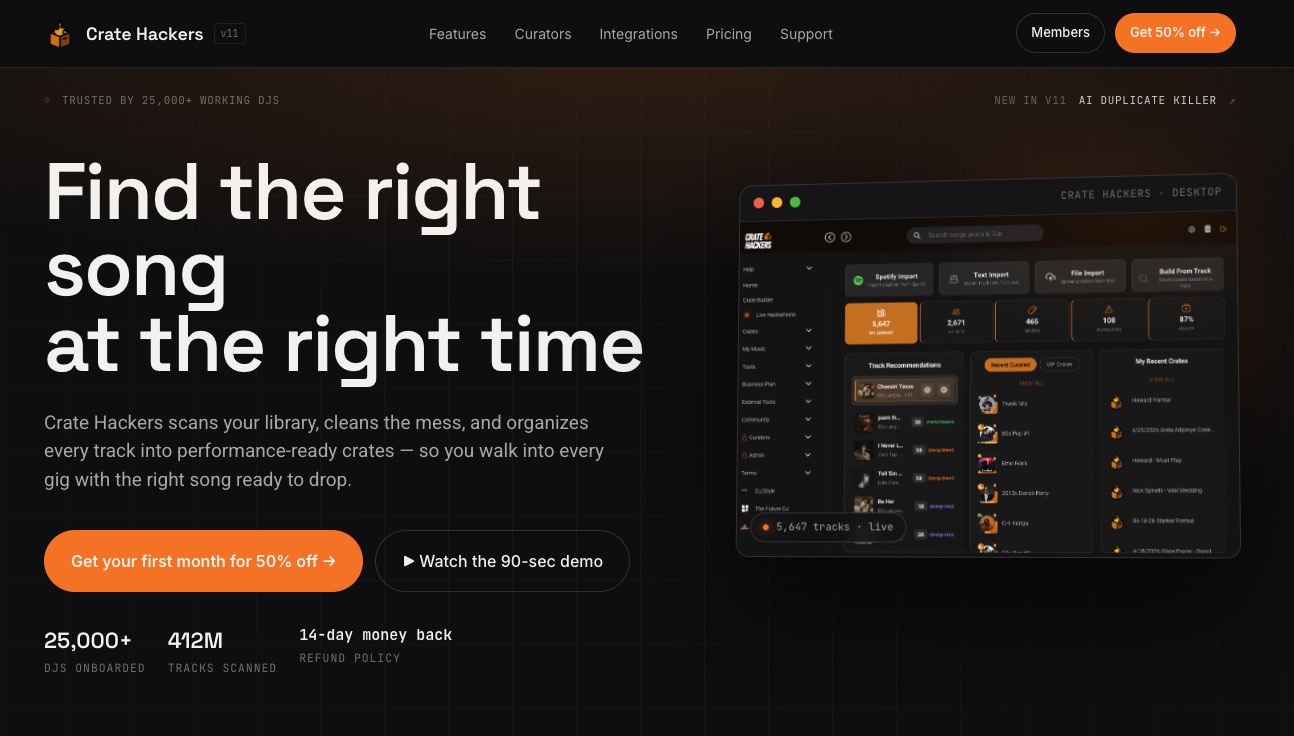
Cratehackers matches your streaming playlists from Spotify, Apple Music, and Tidal against your local library so you know exactly which tracks you already own and which ones you still need to buy. It builds crates automatically, kills duplicates, and exports directly to Serato, Rekordbox, and Virtual DJ. No more manual searching, no more bloated libraries, no more guessing mid-set. If you are serious about building a performance-ready library that works with your streaming workflow, Cratehackers is the platform built for exactly that.
FAQ
Can you DJ with Spotify in 2026?
No. Spotify removed its third-party DJ app integration in July 2020 and has not restored it. You can use Spotify for discovery and reference playlists, but you cannot play tracks through DJ software directly.
What streaming services work with DJ software?
Apple Music via djay Pro, Beatport Streaming, Beatsource LINK, and TIDAL are the primary options with active DJ software integrations in 2026. Each has different catalog strengths, pricing, and feature support.
Can you record a DJ mix using streamed tracks?
Generally no. Streaming licenses restrict recording and exporting mixes that contain streamed tracks. For recorded content you plan to publish, you need to own the tracks outright.
What is the best way to use streaming as a home DJ?
Use streaming for discovery and practice, not as your live performance library. Build playlists in advance, test transitions, then purchase the tracks that make regular rotation. Cache key tracks offline before any session.
How do I stop losing my set flow while browsing streaming catalogs?
Prepare your playlists before you play. Load them into your DJ software in advance so you are never live-browsing mid-set. Pre-built crates eliminate decision fatigue and keep your momentum going from the first track to the last.