
TL;DR:
- A DJ music cleaner tool categorizes into library management systems and audio restoration software, each solving different problems. Proper use of these tools optimizes library organization and sound quality, saving time and preventing damage from over-processing. Offline batch processing before a gig ensures efficiency, while offline management of unreleased tracks maintains privacy and control.
A DJ music cleaner tool is software that organizes metadata, removes duplicate tracks, and improves audio quality so your library is performance-ready before you ever touch a fader. Most DJs don’t realize these tools split into two distinct categories: library management systems and audio restoration software. Tools like iZotope RX, DJLIB, and Beatport Track ID each solve a different problem. Knowing which one you actually need saves you hours of wasted prep time and protects your audio from over-processing damage. This guide covers both categories, their core functions, pricing, and how to fold them into your real workflow.
What does a DJ music cleaner tool actually do?
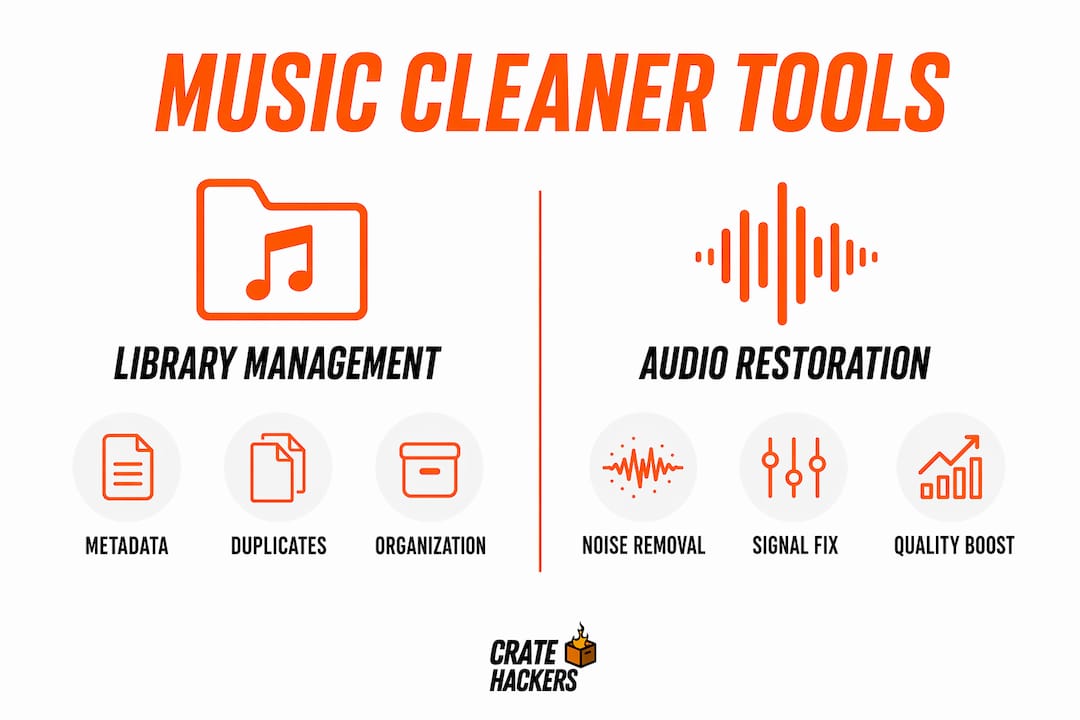
A DJ music cleaner tool performs two broad jobs: fixing your library’s organization and fixing the sound of individual tracks. Library tools automate metadata normalization and deduplication, while audio restoration tools use AI for noise removal and stem isolation. Most DJs need both, but they rarely need them at the same time.
Here’s what the core functions look like in practice:
- Metadata normalization: Renames files, fills in missing BPM, key, genre, and artist fields so Serato, Rekordbox, or Virtual DJ can sort and search properly.
- Duplicate detection: Uses audio fingerprinting to catch the same track saved under different filenames or formats. No more playing the wrong version mid-set.
- Noise removal and de-reverb: Tools like iZotope RX offer targeted modules for de-plosive, de-ess, vocal denoise, and spectral de-noise to fix tracks that sound rough in a club system.
- Stem separation: Splits a track into vocals, drums, bass, and melody so you can layer or drop elements live.
- Real-time vs. batch processing: Some tools clean on the fly during a set. Others process your whole library offline before you leave the house. Offline batch processing is almost always faster and more accurate.
Pro Tip: Never apply blanket noise removal to an entire library. iZotope’s own guidance recommends surgical spectral tools on specific problem areas. Blanket processing strips the warmth out of tracks and creates robotic artifacts that sound worse than the original noise.
The difference between offline and real-time cleaning matters more than most DJs think. Real-time cleaning during a live set adds CPU load and latency risk. Batch processing your library the night before a gig means zero surprises on stage.

Library management vs. audio restoration: which do you need?
Mixing up library management and audio restoration wastes time and money. They solve completely different problems. Library management tools handle file organization. Audio restoration tools handle sound quality. Choosing the wrong category means you spend an hour cleaning noise from a track that was actually just mislabeled.
Library management tools fix your catalog. DJLIB and the Virtual DJ Track Cleaner focus on metadata and duplicates. They don’t touch the audio waveform at all.
Audio restoration tools fix your sound. iZotope RX and Aulio Studio process the actual audio signal, removing noise, fixing clipping, and separating stems.
Here’s a side-by-side comparison to make the choice clear:
| Tool | Category | Primary use | Pricing | Platform |
|---|---|---|---|---|
| DJLIB | Library management | Metadata cleanup, deduplication | Free, open-source | Windows, macOS |
| Virtual DJ Track Cleaner | Library management | Duplicate detection, file sorting | Included with Virtual DJ | Windows, macOS |
| iZotope RX | Audio restoration | Noise removal, spectral repair | Subscription or one-time | Windows, macOS |
| Aulio Studio | Audio restoration | AI noise removal, audio cleanup | $89 one-time purchase | macOS |
| Audacity | Audio restoration | Manual noise reduction, editing | Free, open-source | Windows, macOS, Linux |
Pricing ranges from free open-source tools like Audacity and DJLIB all the way to monthly subscriptions between $15 and $30 for professional-grade platforms. That range means there’s no excuse for skipping the cleanup step regardless of your budget.
One more consideration: cloud versus local. Cloud-based tools like Adobe Podcast and SimpleClean offer fast, AI-driven one-click cleaning but require uploading your files. If you’re working with unreleased promos or exclusive edits, that’s a privacy risk. Local tools keep your tracks on your machine.
What’s new in DJ music cleaner tools for 2026?
The biggest shift in 2026 is AI doing work that used to require a trained audio engineer. These aren’t incremental upgrades. They change what’s possible in a real DJ workflow.
- Beatport Track ID: Launched in May 2026, this tool uses AI to identify music in live, pitch-shifted, and mixed environments. Standard recognition tools fail in loud clubs. Beatport Track ID uses advanced beat-matching tolerance to solve that exact problem.
- Offline stem separation with HTDemucs FT: Pre-separated stems processed offline with HTDemucs FT deliver better quality than real-time stem separation inside DJ software. DJs download vocals, drums, bass, and melody in WAV format before the gig. The difference in audio quality during a live set is noticeable.
- GPU-accelerated local processing: Tools like DJ Gadget AI-Suite Pro use GPU acceleration to batch process 100-plus tracks locally in minutes rather than hours. Cloud uploads can’t compete with that speed.
- Legal AI remixing: Spotify’s 2026 licensing deals signal a move toward authorized AI-powered remixing tools that pay royalties and give credit. The future of DJ tools blends licensing and AI processing into compliant, high-quality workflows.
Pro Tip: Use offline AI tools for any unreleased tracks or exclusive edits. Uploading those files to a cloud service risks exposure before a release date. Local GPU processing gives you the same quality without the risk.
The convergence of AI recognition, stem separation, and legal compliance is making 2026 the most significant year for DJ audio editing software since digital DJing replaced vinyl. The tools are maturing fast. The DJs who learn them now will have a serious edge in preparation speed and set quality.
How to clean and organize your DJ music library step by step
A clean library doesn’t happen by accident. Here’s the workflow that actually works, from raw files to performance-ready crates.
- Scan your full library first. Run a library management tool like DJLIB or Virtual DJ Track Cleaner across your entire collection before touching anything. Get a clear picture of how many duplicates, missing metadata fields, and corrupt files you’re dealing with.
- Normalize metadata. Fill in BPM, key, genre, year, and label fields. Your DJ software sorts and searches based on this data. Missing fields mean manual scrolling during a set, and that’s where panic starts.
- Remove duplicates. Use audio fingerprinting to catch identical tracks saved under different names or formats. Keep the highest-quality version. Delete the rest. Check your DJ software file handling settings to confirm which formats your platform reads best before deleting anything.
- Run audio restoration on problem tracks only. Don’t process your whole library through iZotope RX. Identify the specific tracks that sound thin, noisy, or clipped. Apply targeted modules to those files only.
- Separate stems for key tracks in advance. For tracks you plan to layer or manipulate live, run offline stem separation with HTDemucs FT. Store the stems alongside the original file so they’re ready to load.
- Review AI-processed audio before the gig. Always listen back after processing. AI tools occasionally introduce artifacts, especially on complex mixes or heavily compressed files. Catch those issues at home, not on stage.
- Export to your DJ software with cue points intact. Once your library is clean, export your crates to Serato, Rekordbox, or Virtual DJ. Set cue points on freshly cleaned tracks before the export so your performance workflow stays tight.
For DJs organizing on Windows, the guide on organizing music on Windows PC covers folder structure and file naming conventions that pair well with any cleaning tool workflow.
The most common mistake is over-cleaning. Applying noise removal to tracks that don’t need it, or deleting duplicates without checking which version has the better master, creates new problems. Clean with intention, not automation on autopilot.
Key takeaways
A DJ music cleaner tool is only as useful as the workflow you build around it. Using the right category of tool for the right job is what separates a fast, clean library from a cluttered mess that slows you down before every gig.
| Point | Details |
|---|---|
| Two distinct categories | Library management tools fix metadata and duplicates; audio restoration tools fix sound quality. |
| Match tool to need | Using an audio restoration tool to fix metadata wastes time; identify your actual problem first. |
| Offline beats cloud | Local GPU-accelerated tools process 100-plus tracks faster and protect unreleased files from exposure. |
| Avoid over-processing | Apply noise removal surgically to problem tracks only; blanket processing degrades audio warmth. |
| Stems before the gig | Pre-separated stems via HTDemucs FT deliver better live quality than real-time stem splitting in DJ software. |
Why I think most DJs are using these tools backwards
Here’s what I’ve seen after years of watching DJs prep for gigs: most reach for audio restoration tools first because they sound impressive. iZotope RX is genuinely powerful. But if your metadata is a disaster and your library has 400 duplicates, cleaning the audio on individual tracks is the wrong starting point. You’re polishing individual bricks while the whole wall is falling down.
The smarter move is to fix the library structure first. Get your metadata clean. Kill the duplicates. Build your crates. Then, and only then, go track by track on the files that actually need audio work.
I’m also cautious about AI maturity. The tools are improving fast, but they’re not infallible. I’ve heard AI-processed tracks that sounded worse than the originals because someone trusted the algorithm without listening back. The tool is a starting point, not a final answer.
Offline-first is my strong preference for any serious DJ. Speed, privacy, and control over your own files matter more as libraries grow into the thousands of tracks. Cloud tools are fine for quick fixes, but your core workflow should live on your machine.
— Dominick
How Cratehackers fits into your cleaned-up library
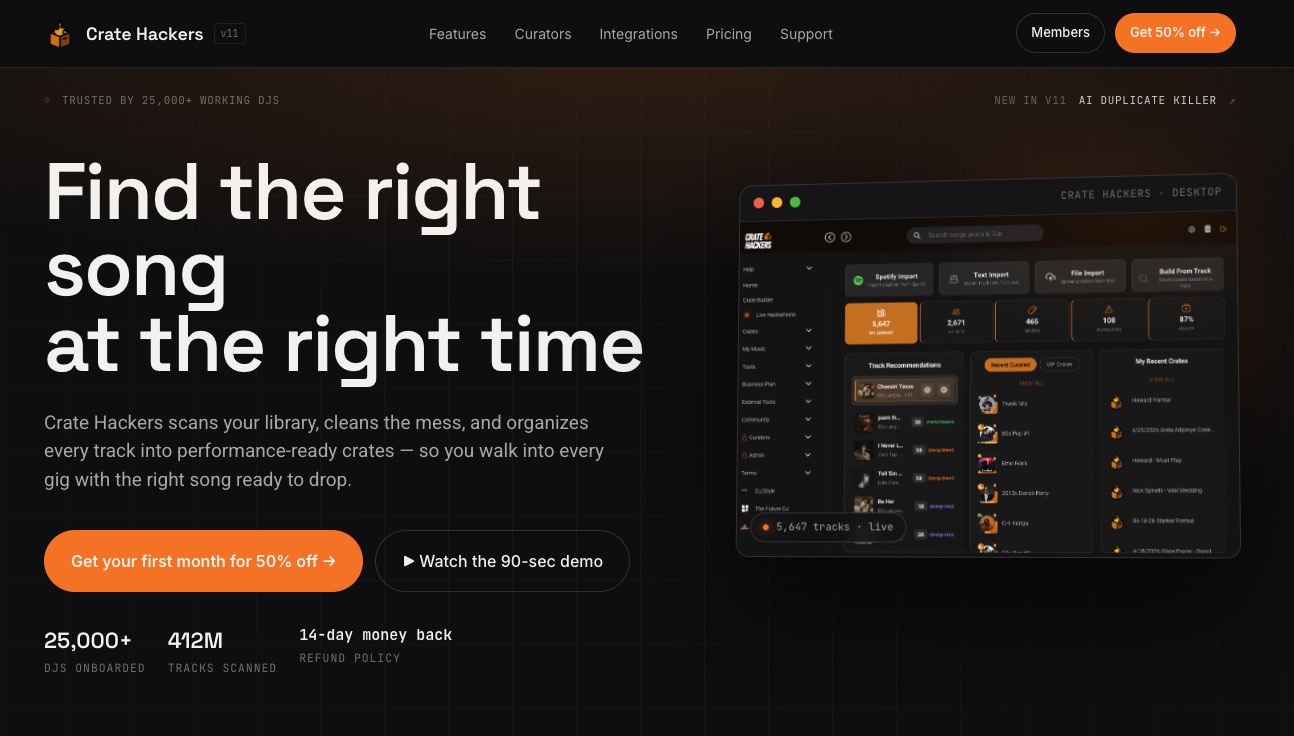
Once your library is clean, the next problem is finding the right track fast when you need it. That’s exactly what Cratehackers is built for. The platform scans your local library, kills duplicates with its AI-powered Duplicate Killer, matches your collection against Spotify, Apple Music, and Tidal playlists, and exports performance-ready crates directly to Serato, Rekordbox, and Virtual DJ. It runs offline on both macOS and Windows, so your files stay on your machine. Pair it with the audio restoration tools covered in this article and you get a library that’s both clean and organized. That’s the setup that actually saves time before a gig.
FAQ
What is a DJ music cleaner tool in simple terms?
A DJ music cleaner tool is software that fixes your music library by organizing metadata, removing duplicate tracks, and improving audio quality. The two main categories are library management tools and audio restoration tools, and most working DJs use both.
Is iZotope RX the best tool for cleaning DJ tracks?
iZotope RX is the industry standard for audio restoration, offering targeted modules for noise removal, de-essing, and spectral repair. For library organization and duplicate removal, a dedicated library management tool like DJLIB or Virtual DJ Track Cleaner is a better fit.
Can I use free tools to clean my DJ library?
Yes. Audacity and DJLIB are both free and handle noise reduction and metadata cleanup respectively. Paid tools like iZotope RX and Aulio Studio offer more precision and speed, but free options cover the basics for smaller libraries.
Should I clean audio in real time or before the gig?
Batch processing your library offline before a gig is faster, more accurate, and eliminates CPU load during your set. Real-time audio cleaning adds risk and latency. Pre-process problem tracks at home and arrive with a ready library.
How do I avoid damaging tracks when using music cleaning software?
Apply audio restoration only to tracks that have a specific problem, not your entire library. Follow iZotope’s guidance and use surgical spectral tools rather than blanket noise removal. Always listen back to AI-processed files before adding them to a live set.