
You walk into a club at 11 PM, plug in your MacBook, and the energy is already building. The last thing you need is software that stutters, a library that takes forever to search, or cues that didn’t export correctly. One bad moment on the decks gets remembered. The right macOS DJ software doesn’t just play music — it keeps you in control when the pressure is highest. This guide breaks down exactly why your software choice, library prep, and system setup can be the difference between a legendary night and a disaster.
Table of Contents
- The stakes: DJ software performance under pressure
- Music library management: The hidden backbone of a great set
- Export, sync, and hardware compatibility: Workflow essentials
- Pitfalls and best practices: Optimizing macOS for club DJing
- Expert perspective: Why professional DJs treat library prep as part of the performance
- Improve your DJ performance with purpose-built tools
- Frequently asked questions
Key Takeaways
| Point | Details |
|---|---|
| Club reliability | macOS DJ software gives you fast, dependable control under pressure during live sets. |
| Library management impact | Well-managed music libraries save DJs time, lower stress, and reduce mistakes. |
| Workflow integration | Syncing prep and hardware ensures your sets sound great on any club system. |
| System optimization | Optimizing your macOS system prevents tech issues from derailing performances. |
The stakes: DJ software performance under pressure
Club DJing is not the same as bedroom practice. The environment is unpredictable. The crowd is impatient. And the booth is often cramped, loud, and full of distractions.
Real-time performance demands are brutal. Latency means a beat that triggers late. A stutter kills the momentum you spent twenty minutes building. A slow search bar while five hundred people are waiting? That’s career damage.
Here’s what clubs actually demand from your setup:
- Instant search. You need to pull up a track in under two seconds. No scrolling through folders. No waiting on a spinning wheel.
- Reliable cue points. Your hot cues have to fire exactly where you set them, every single time.
- Stable CPU performance. The software cannot falter when your fans start spinning and your MacBook gets warm.
- Fast metadata reads. Track key, BPM, and waveform data have to load immediately.
“In club workflows, macOS matters largely because DJs rely on deck-focused software with built-in library management and prep that must feel fast and reliable during high-stakes performances.”
macOS earns its trust in clubs for a reason. Apple’s hardware and operating system are optimized together in a way that gives pro audio tools a stable, low-latency foundation. The file system is efficient. Audio drivers behave predictably. And the top-tier DJ apps on Mac are built with the assumption that you’re performing live, not just experimenting.
That reliability edge matters most when you’re thirty minutes deep into a set and the energy is peaking. You don’t have time to troubleshoot. You need your tools to just work every time.
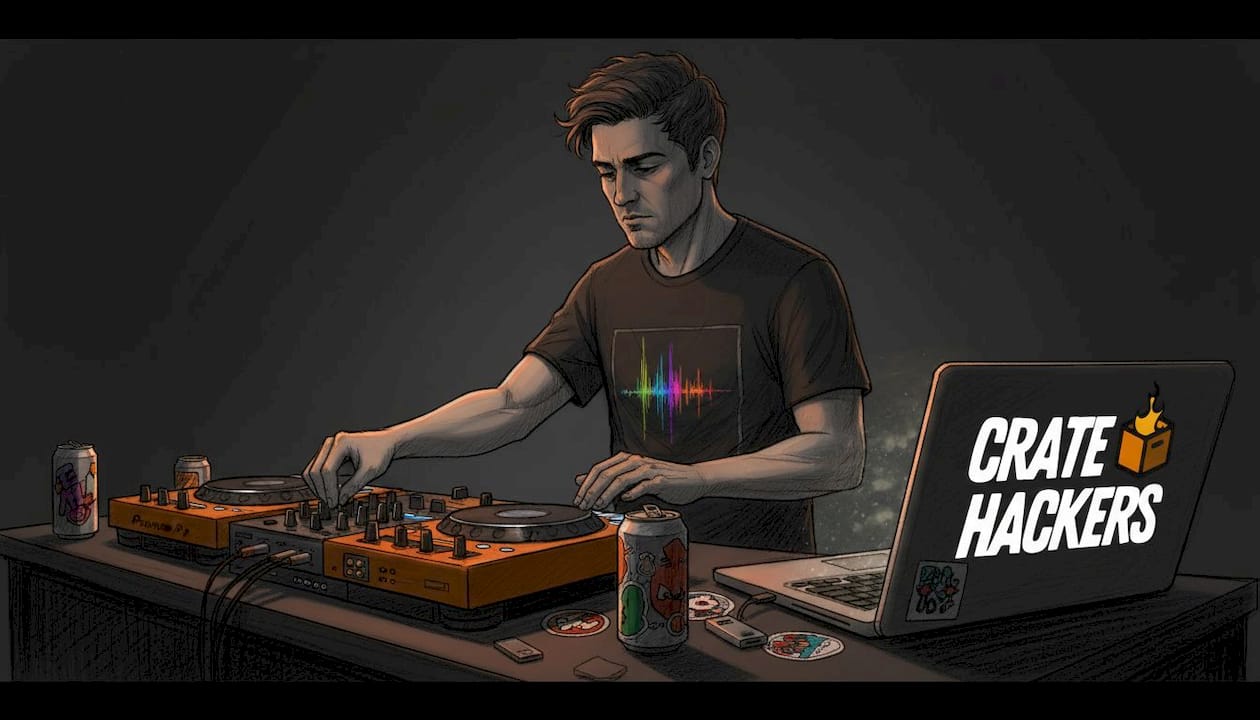
The gap between a tight, smooth set and a choppy one often isn’t your skill. It’s your setup. Choosing the right macOS-optimized software and pairing it with a properly organized library is how pros stay cool when things get intense.
Music library management: The hidden backbone of a great set
Here’s what most DJs underestimate. The real performance happens before you ever step into the booth. It happens on your MacBook at home, organizing tracks, setting cues, tagging genres, and building crates.
Your library is your instrument. If it’s chaos, your set will be chaos.
The moment you’re searching through hundreds of unlabeled folders looking for “that one track” while people are on the dance floor, you’ve already lost. The crowd doesn’t see the panic. But you feel it. And it shows in the music.
Efficient library management on macOS reduces what we call “panic time” by making tracks quickly searchable and cue and metadata-ready before the gig, instead of forcing you to improvise under pressure.
So what does a well-managed macOS library actually look like in practice?
| Feature | Generic library approach | macOS-optimized DJ workflow |
|---|---|---|
| Search speed | Folder browsing | Instant keyword or BPM search |
| Cue points | Set manually at the gig | Pre-set and synced before the gig |
| Metadata | Incomplete or inconsistent | Clean, tagged, and sorted |
| Playlist structure | Ad hoc folders | Purpose-built crates per genre/energy |
| Track readiness | Files play but aren’t prepped | Waveforms analyzed and cues locked |
The difference is night and day. A generic library might have all the same tracks. But without cues, clean tags, and organized crates, you’re spending mental energy finding music instead of reading the crowd.
Pro Tip: Tag every track with at least BPM, key, genre, and energy level before any gig. These four fields alone cut your search time in half during a live set.
Smart prep using macOS-compatible apps means you walk into any venue already knowing where every track lives. Your crates are built for the room. Your cues are ready for the drop. Your brain stays free to focus on the crowd and the vibe, not the search bar.
This is how professional DJs make it look effortless. It’s not magic. It’s preparation.
Export, sync, and hardware compatibility: Workflow essentials
You’ve prepped your library on your Mac. Your crates are clean. Your cues are set. Now what?
You need to get that prep work onto the system you’re actually playing on. And that means understanding the export and sync workflow before you show up to the venue.
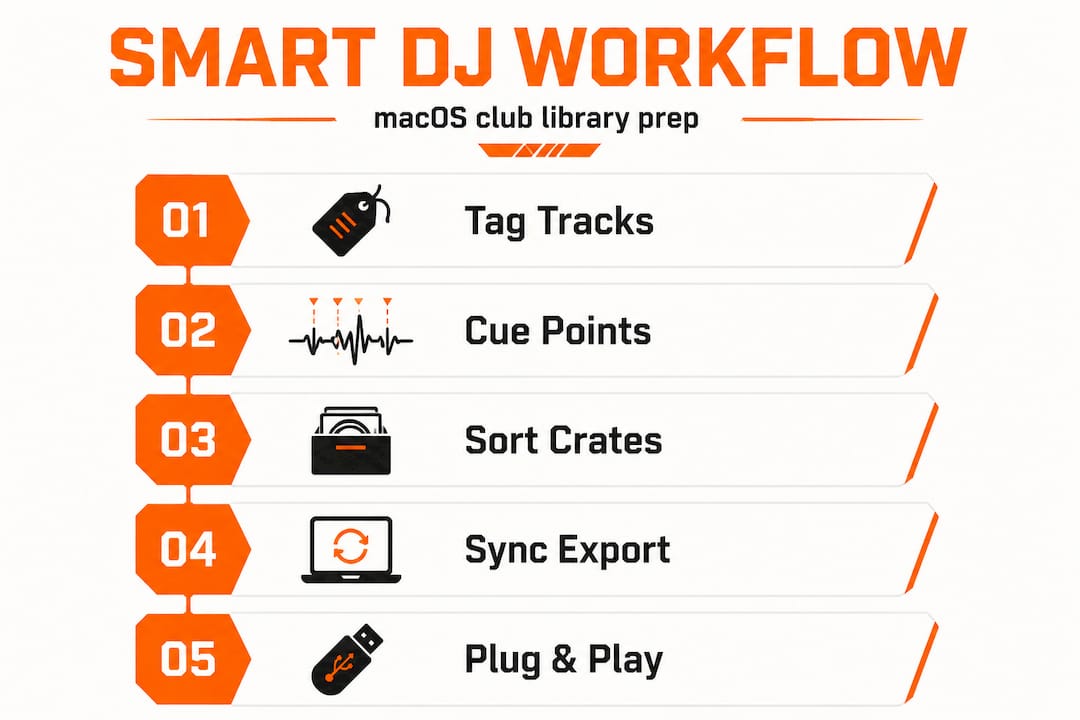
Here’s the step-by-step process that keeps pro DJs sharp:
- Analyze all tracks in your DJ app. Make sure every file has a read waveform, BPM, and key data stored. Don’t skip this step.
- Set hot cues and memory cues. Lock in your entry and exit points for every track you plan to play. Do it at home, not in the booth.
- Build your crates for the night. Organize by energy level, genre, or set progression. Think ahead about how your night will flow.
- Export to USB. Use your DJ software’s export function to move the prepped library to a USB drive in the correct format for the venue hardware.
- Verify the export. Actually load a few tracks on a CDJ before the night starts to confirm your cues transferred correctly. Do not assume.
- Keep your MacBook as backup. Even if you’re playing on CDJs, having your Mac connected as a secondary source is insurance.
The reason this matters so much: rekordbox is built for club preparation and performance workflows, including library management and prep for Pioneer CDJs, while deck-style software is typically used for live hardware control. Prep work can be done in advance and then transferred for performance.
Pioneer CDJs are the global standard in club booths. Understanding how your macOS workflow connects to that hardware is not optional. It’s a professional requirement.
| macOS DJ app | USB export for CDJs | Cue point sync | Cloud library sync | Native macOS support |
|---|---|---|---|---|
| rekordbox | Yes | Full sync | Yes | Yes |
| Serato DJ Pro | Via USB export | Full sync | Partial | Yes |
| Traktor Pro | NI format | Full sync | No | Yes |
| Virtual DJ | Yes | Full sync | Yes | Yes |
Use this table as a quick reference when deciding which app to anchor your playlist and crate prep workflow around. Your choice should be driven by what hardware you’ll encounter most often in your local venues.
If you play clubs with Pioneer gear every weekend, your macOS prep workflow needs to be built around that export path. Anything less is leaving performance quality on the table.
Pitfalls and best practices: Optimizing macOS for club DJing
Great software and a prepped library still can’t save you from a system that’s fighting itself. macOS is a powerful platform, but it has its own resource demands. Ignore them and you’ll face stutters at the worst possible moment.
These are the most common macOS-level issues that hurt DJ performance:
- WindowServer eating CPU. macOS’s WindowServer process handles all visual rendering. With multiple monitors, intense animations, or too many open windows, it can spike CPU usage and pull resources away from your DJ software.
- Background app activity. iCloud sync, Spotlight indexing, Time Machine backups, and browser tabs running in the background all compete for disk and CPU resources.
- Notification interruptions. A full-screen notification during a live set is embarrassing and disruptive. It can even cause brief audio interruptions on some systems.
- Low-power mode surprises. Some MacBooks automatically throttle performance when they think battery life is more important than speed.
- Outdated audio buffer settings. If your audio interface buffer size is too low, you’ll get dropouts. If it’s too high, you’ll have noticeable latency.
Best practices to lock down your Mac before a club set:
- Enable “Do Not Disturb” or “Focus Mode” before you plug in.
- Quit every app you’re not using: browsers, email, messaging apps, everything.
- Disable Wi-Fi if you’re not streaming. Local files perform better with the network off.
- Set your energy preferences to high performance mode.
- Disable Spotlight from indexing your music drive.
- Keep your macOS and DJ software updated but never update the night of a gig.
Pro Tip: Build a pre-gig macOS checklist and save it to your Notes app. Run through it every single time before you start playing. It takes three minutes and it protects the entire set.
Edge cases like WindowServer spikes or iCloud sync kicking in mid-set are real. They happen to experienced DJs. But they stop happening once you build a consistent system-prep routine.
The professionals who never have tech problems aren’t lucky. They’re methodical. They treat their MacBook like a performance instrument, not just a computer.
Expert perspective: Why professional DJs treat library prep as part of the performance
Here’s the uncomfortable truth most guides skip: your library organization is not a back-office task. It is part of your performance.
The DJ who walks in with three thousand tracks perfectly tagged, cue-ready, and sorted into tight crates is not more organized. They are a better performer. Because when the moment demands a specific energy shift, they move instantly. No hesitation. No scrolling.
We’ve seen DJs with incredible ears and real technical skill fall apart in clubs simply because their library was a mess. They had the tracks. They had the talent. But they couldn’t get to what they needed fast enough. The crowd lost the thread. The night never fully recovered.
That’s the real cost of poor prep.
The methodology top professional DJs follow treats library organization — tags, cues, playlists, and crates — as part of the performance system itself. macOS-compatible deck apps handle the prep, and the venue-ready export and import path gets matched to the hardware you’ll actually play on.
What separates the best from the rest isn’t just taste or technique. It’s the invisible work that happens before the gig. The crate built specifically for an outdoor event versus an indoor club. The cue set at the exact moment the energy shifts in a vocal. The tag that tells you a track runs fast at the top before your BPM detection kicks in.
These details compound. Each good prep decision saves three seconds in the booth. Over a four-hour set, those saved seconds add up to minutes of unbroken concentration. Unbroken concentration is what creates those sets people talk about for months.
Build the discipline around your advanced prep workflow now. Make it non-negotiable. Your future sets will show the difference.
Improve your DJ performance with purpose-built tools
Your software, your system, and your library are the three pillars of a tight club performance. You’ve got the knowledge. Now you need the right tools to make it happen faster.
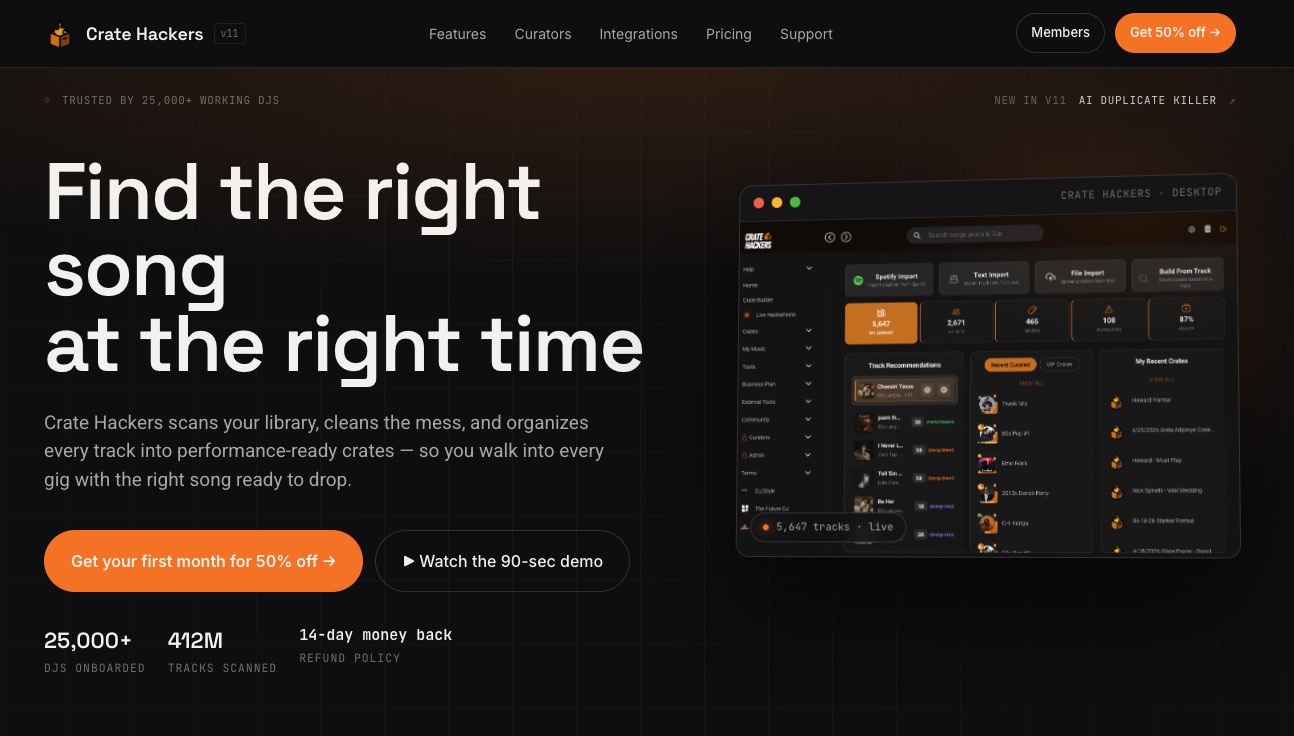
Crate Hackers is built for exactly this. It’s an offline-capable desktop app for macOS and Windows that scans, organizes, and cleans your music library automatically. It kills duplicates, matches tracks to your Spotify, Apple Music, and Tidal playlists, and exports clean, performance-ready crates directly to your DJ software of choice. Whether you run Serato, Virtual DJ, or Rekordbox, your library flows right into your workflow. Stop spending hours organizing manually. Let Crate Hackers handle the prep so you can focus on the performance.
Frequently asked questions
How does macOS DJ software improve club performance?
macOS DJ software provides fast, reliable music search and cue prep, reducing mistakes during live sets. Club workflow reliability depends on deck-focused software with built-in library management that performs consistently under pressure.
What is the main benefit of efficient music library management for DJs?
Efficient library management lets DJs find tracks fast and play the right cue instantly, lowering stress mid-set. Prepping tracks and metadata before the gig eliminates the scramble that kills momentum during live performance.
What are the common macOS issues DJs should avoid in clubs?
High system load from background apps or WindowServer can cause performance issues — close unnecessary programs before your set. Background process spikes on macOS directly compete with DJ software for CPU and memory.
How do DJs ensure club hardware compatibility with their music library?
DJs should prep and export their tracks using apps that sync cues and playlists with standard club gear like Pioneer CDJs. rekordbox’s prep workflow is specifically built for this hardware export path, making it the most reliable bridge between macOS prep and club performance.